
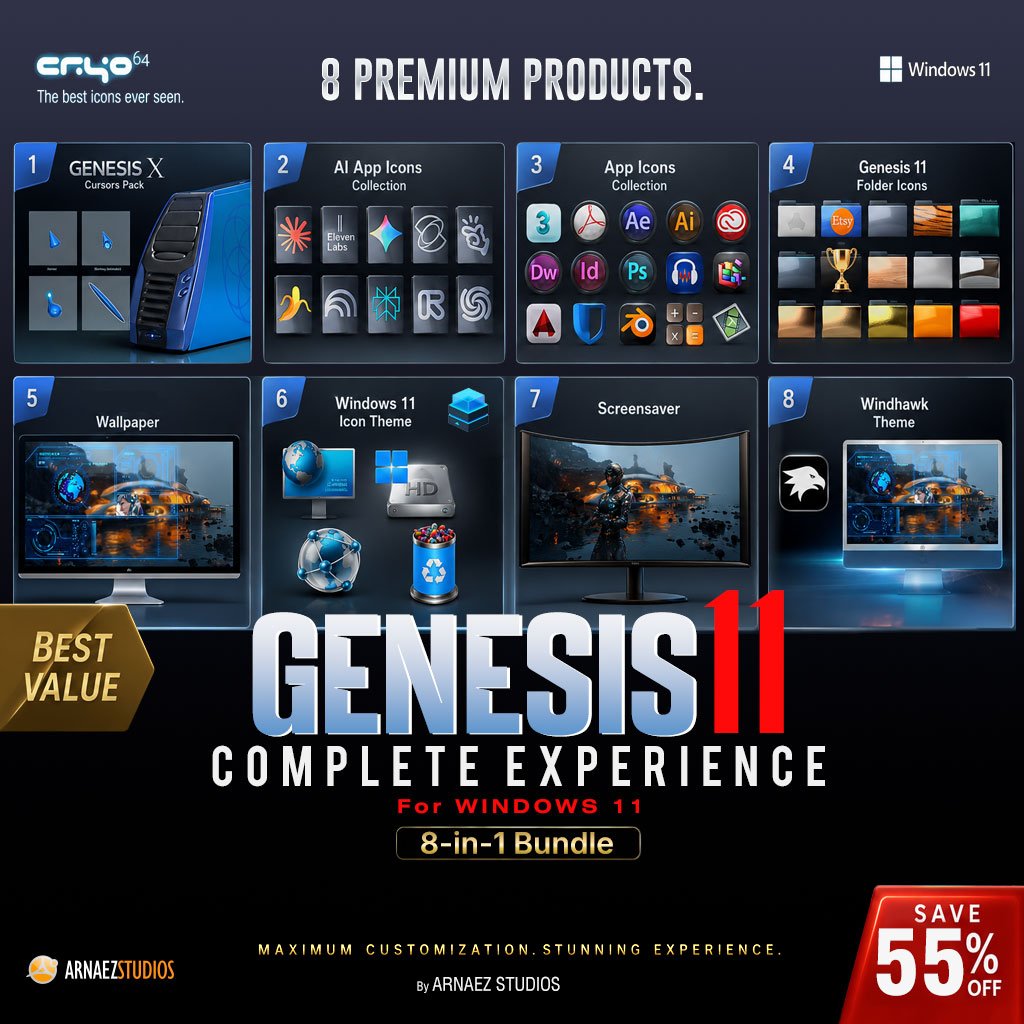
Genesis 11 Complete Experience – Windows 11 Bundle | Cryo64
The Only Windows 11 Bundle Where Icons, Wallpaper & Screensaver
Share the Same World
Most desktop themes give you matching colors. Genesis 11 gives you a universe.
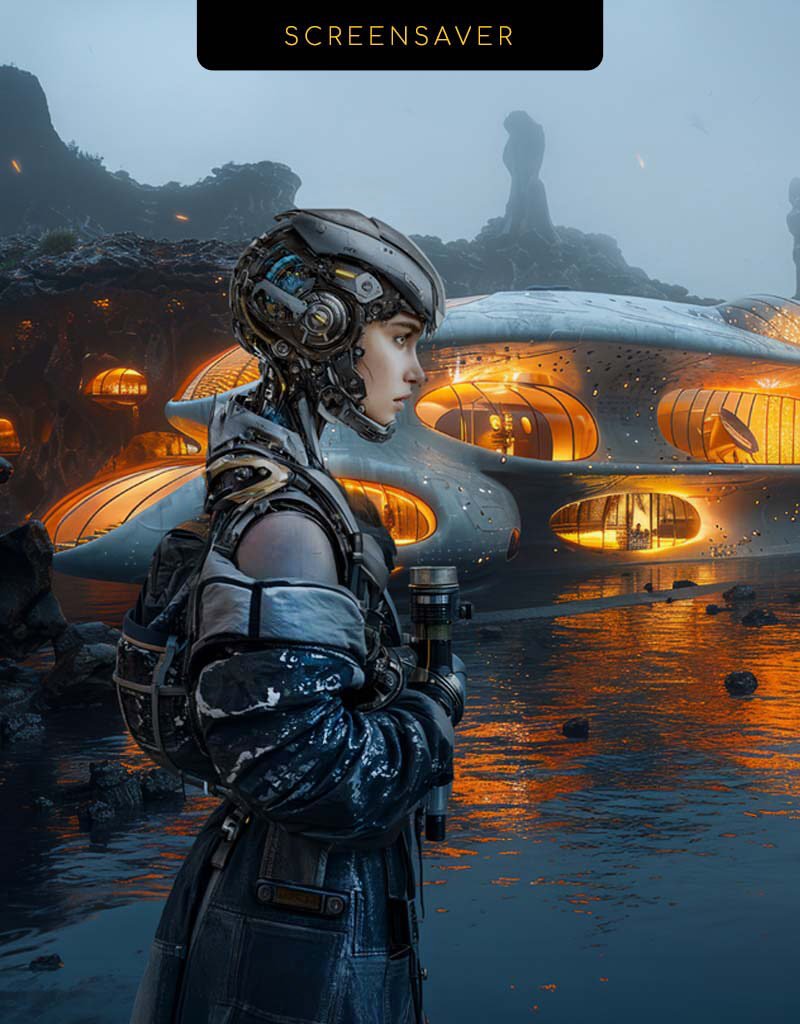
The “This PC” icon shows the exact wallpaper included in this bundle — not a generic screen, the actual HUD wallpaper you’ll set as your background. The cyborg in the animated video screensaver lives in the same futuristic city that appears in that wallpaper. Every element was designed to exist in the same visual world.
That level of cohesion doesn’t exist anywhere else in Windows 11 customization.
Designed by D. Arnaez — ranked #1 Top Icon Skinner on WinCustomize with over 1.1 million downloads — Genesis 11 brings together eight premium products with two installation methods (IconPackager and Windhawk) so setup takes minutes, not hours.
What’s Included in the Genesis 11 Complete Experience
This bundle groups all eight Genesis 11 products into a single order — buy them together and skin your entire desktop in one go:
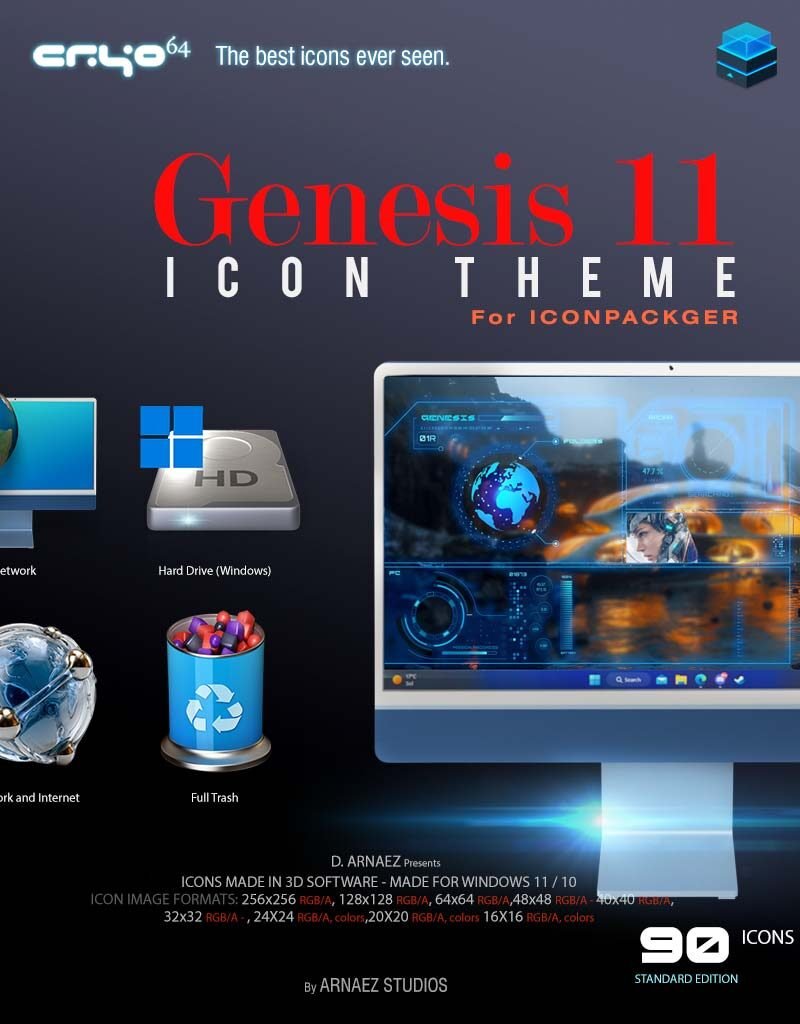
- 🎨 Genesis 11 Icon Theme — IconPackager: Full system icon theme installed with Stardock IconPackager.
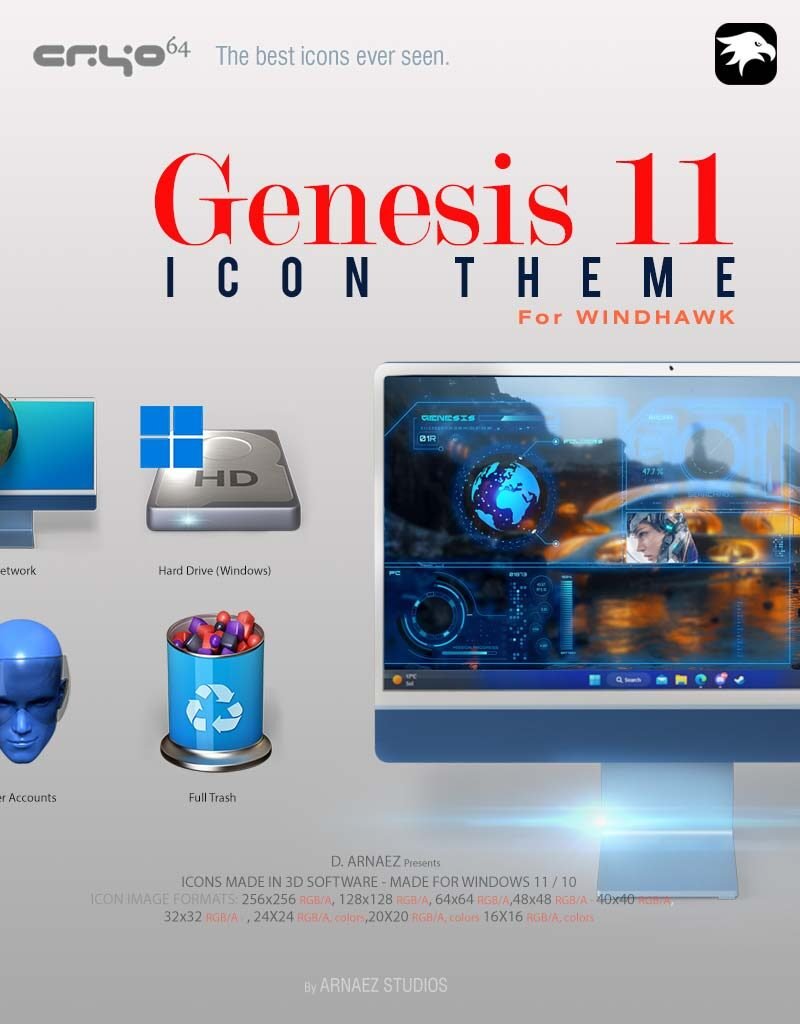
- 🪟 Genesis 11 Icon Theme — Windhawk: The same stunning theme for users who prefer the free Windhawk method.
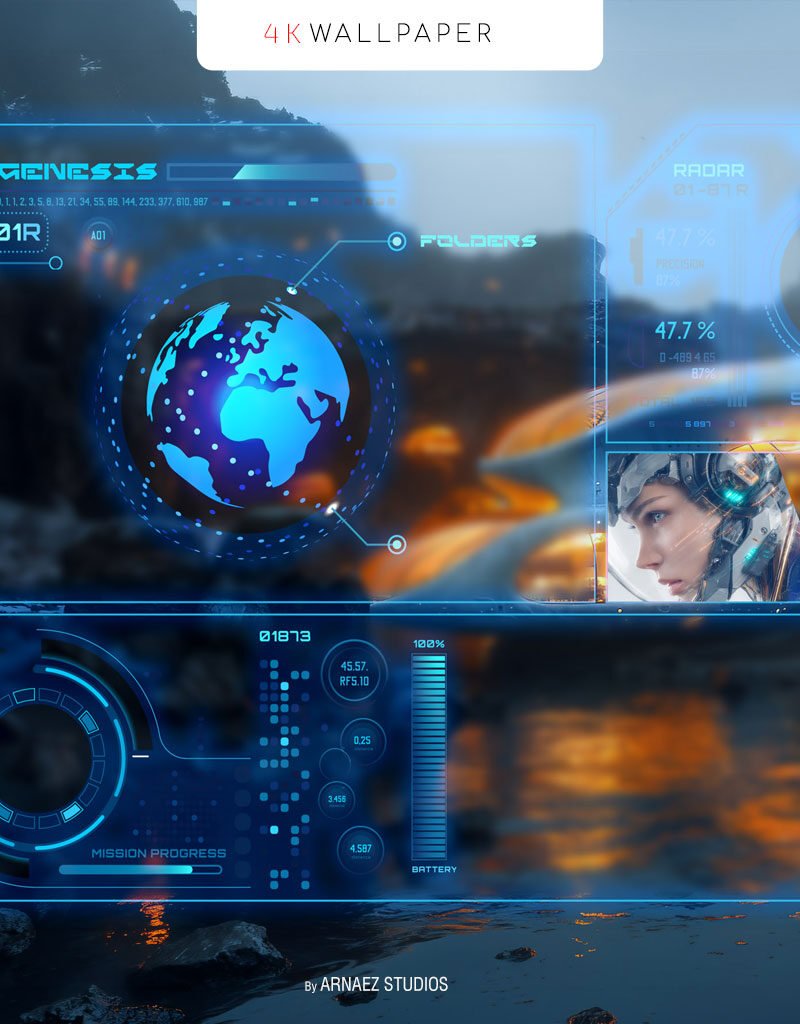
- 🌌 Genesis HUD Wallpaper: A cinematic 4K HUD wallpaper that anchors the whole look.
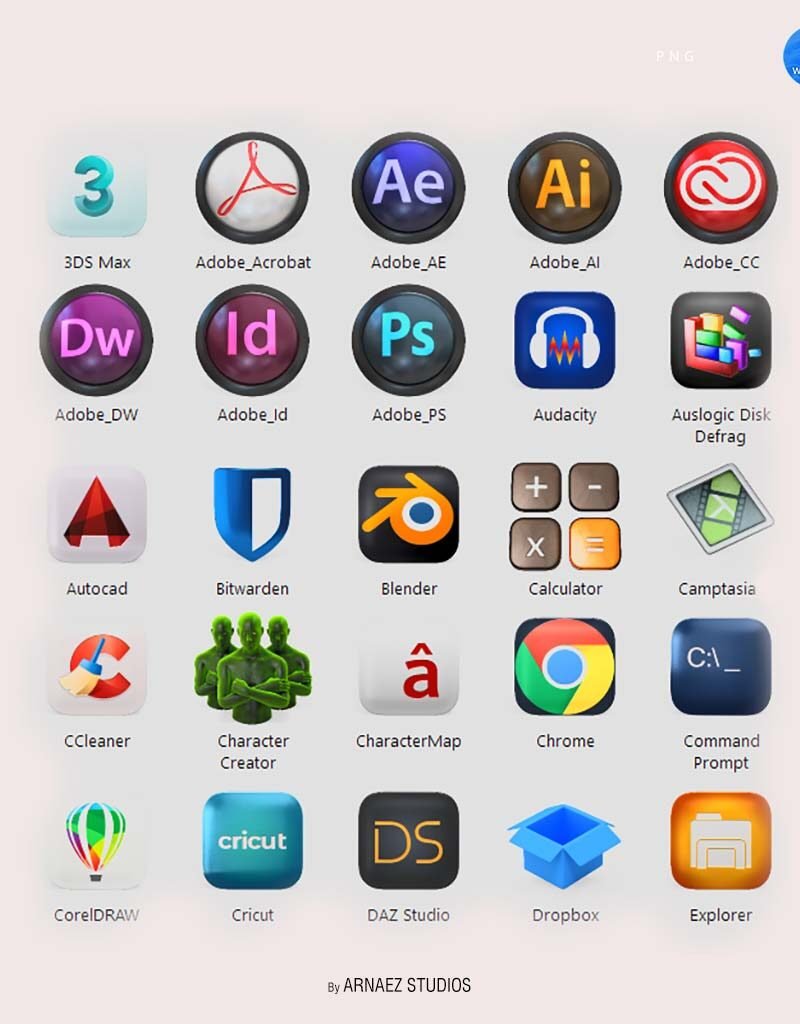
- 📦 Extra App Icons 2026 (.ICO Pack): 50 hand-crafted Windows app icons in .ICO format.
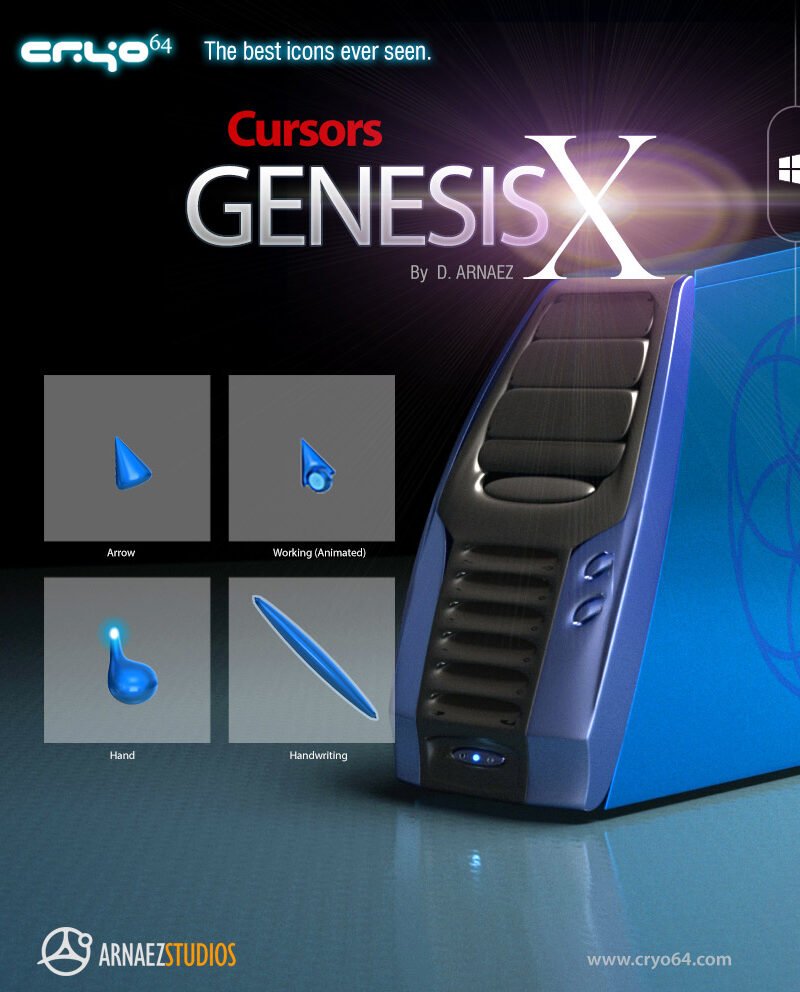
- 🖱️ Cursors Genesis X: A matching animated cursor set for a seamless feel.
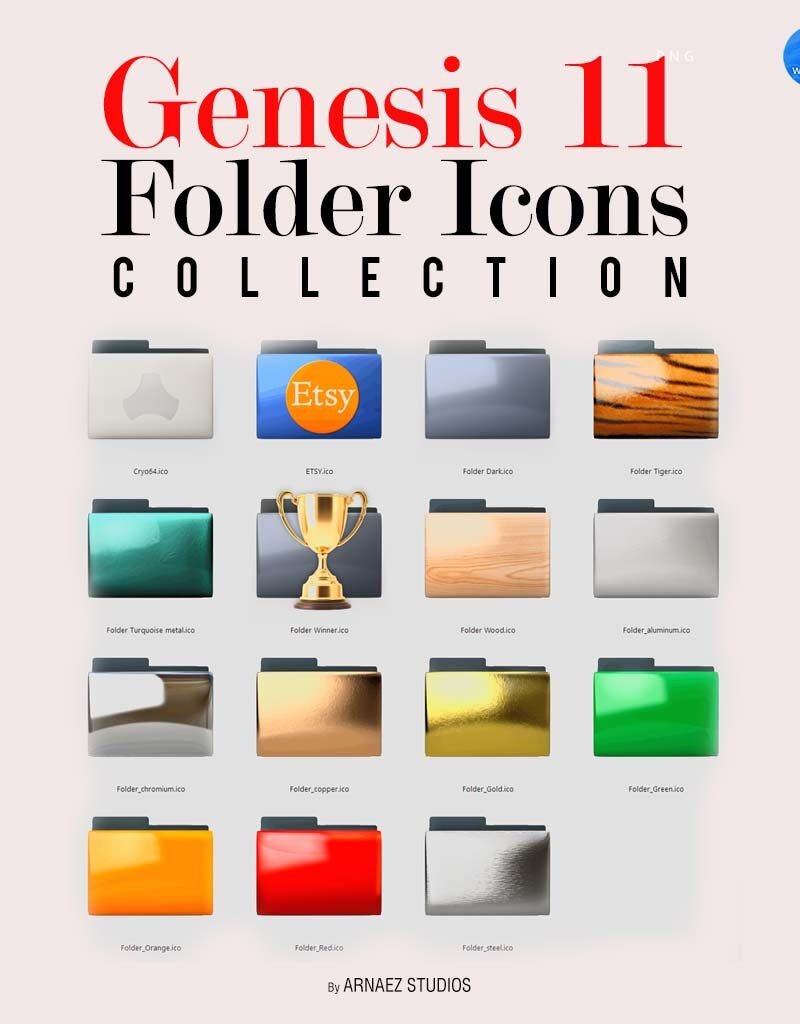
- 📁 Genesis 11 Folder Icons Collection: Custom folder icons that complete the desktop.
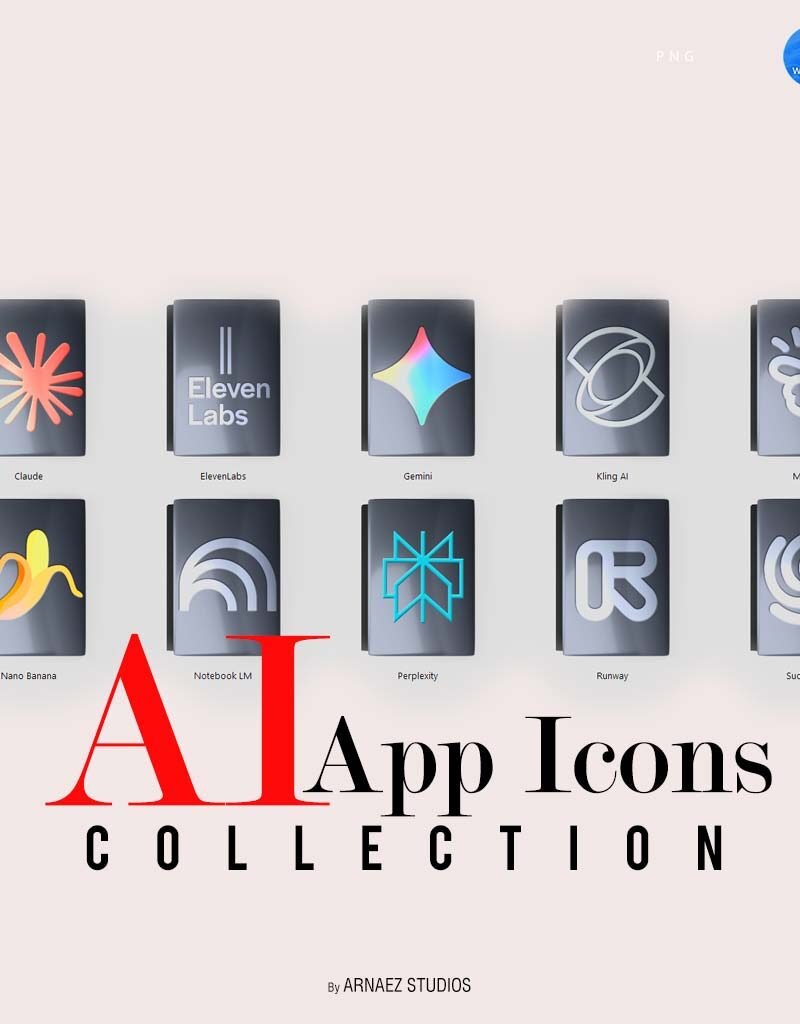
- 🤖 AI App Icons Collection — Genesis 11 Style: AI-crafted app icons in the signature Genesis aesthetic.
- 🌠 Genesis Year 2808 Screensaver: An animated sci-fi screensaver for Windows 11 and 10.
How to Install the Genesis 11 Complete Experience
Each product ships with its own quick-start guide, but here is the recommended order for the smoothest setup:
Step 1 — Choose Your Icon Theme Method
Use IconPackager (Stardock) for one-click theming, or follow our free guide to installing a custom icon theme on Windows 11 with Windhawk if you prefer a no-cost route.
Step 2 — Apply the Wallpaper, Cursors & Folder Icons
Set the Genesis HUD 4K wallpaper, install the Genesis X cursors via the included .inf, and apply the folder icons to complete the base look.
Step 3 — Fine-Tune Your Desktop Layout
For pixel-perfect alignment, follow our tutorial on how to adjust desktop icon spacing in Windows 11 so your new icons breathe properly on screen.
Step 4 — Add the Extra & AI App Icons + Screensaver
Drop in the Extra App Icons 2026 (.ICO) and AI App Icons for your favorite programs, then enable the Genesis Year 2808 screensaver for the finishing touch.
System Requirements
- OS: Windows 11 (recommended) or Windows 10
- Icon Theme: Stardock IconPackager or Windhawk (free)
- Disk Space: ~150 MB for all included assets
- Resolution: 1080p minimum; 4K recommended for the HUD wallpaper
One Bundle, A Complete Desktop Makeover
Instead of buying each piece separately, the Genesis 11 Complete Experience puts the entire matching set in a single order. The icon themes (IconPackager & Windhawk), the Genesis HUD 4K wallpaper, the Extra App Icons 2026 (.ICO), Cursors Genesis X, the Folder Icons Collection, the AI App Icons Collection, and the Genesis Year 2808 screensaver are all engineered to work together as one unified design system.
Includes: 1 IconPackager theme (.ip), 1 Windhawk package, 1 HUD wallpaper in 4K/QHD/FHD/Ultrawide/Mobile, 202 system icons (.ICO), 50 app icons, 10 AI app icons, 15 cursor files (.cur/.ani), 1 animated screensaver (.scr). Compatible with Windows 10 and 11.
Only logged in customers who have purchased this product may leave a review.
By D. Arnaez, Arnaez Studios LLC — Miami, FL
990 in stock

Reviews
There are no reviews yet