
Genesis HUD Wallpaper – Futuristic Sci-Fi Desktop Wallpaper for PC & Mac
A Wallpaper That Works While You Work
Most wallpapers are decoration. Genesis HUD is a desktop layout system.
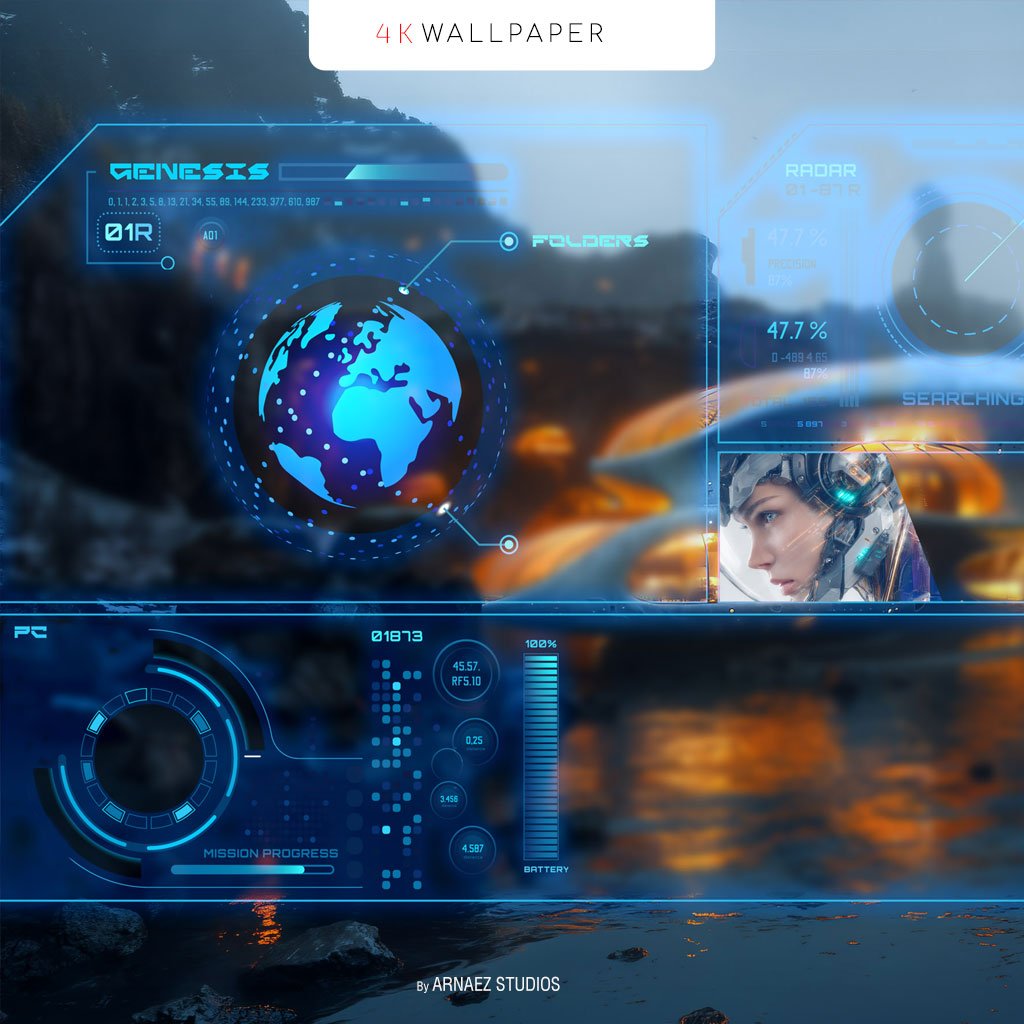
The HUD panels aren’t random sci-fi graphics — each zone was designed to hold specific types of icons so your desktop becomes organized without effort:
– **Top left panel (GENESIS)** — your most-used folders
and shortcuts, always visible
– **Top right panel (RADAR)** — secondary access icons
– **Bottom panel (PC)** — system icons: This PC, Network, Control Panel, Downloads
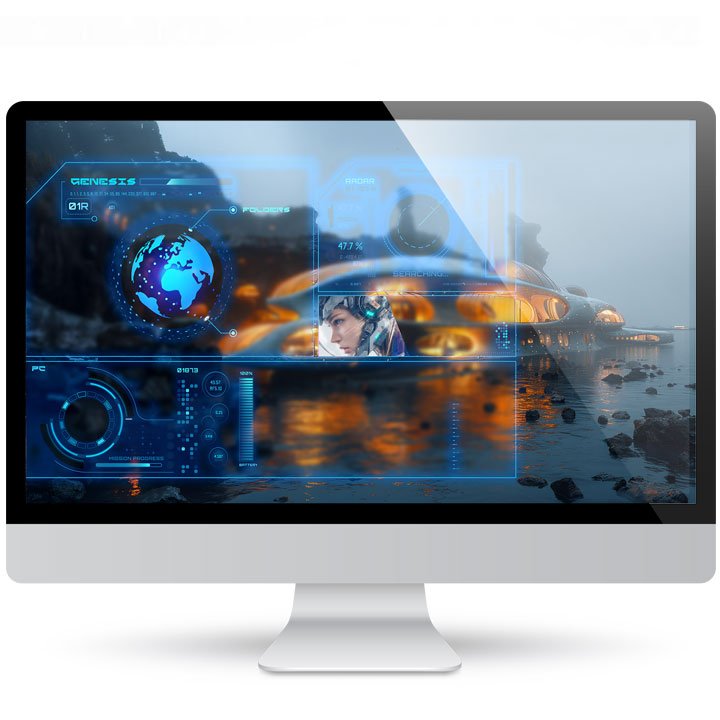
The entire HUD sits on the LEFT side of the screen intentionally. Your active app fills the right — no minimizing, no alt-tabbing. Your shortcuts stay visible while you work. That’s not a design choice. That’s a workflow.
The World Behind the HUD
The background isn’t random either. That futuristic coastal city — organic architecture glowing amber against dark rocks reflected in still water — is the same world that appears in the Genesis 11 “This PC” icon. Look at that icon and you’ll see your own wallpaper rendered on the monitor screen
inside it.
When your screensaver activates, the same cyborg you see in the RADAR panel steps outside and stands in front of that city.
Three products. One visual universe. The icon knows where it lives. The screensaver walks through it.
What’s Included in the ZIP File
After purchase, you’ll receive an instant download with 14 wallpaper sizes covering every major screen type:
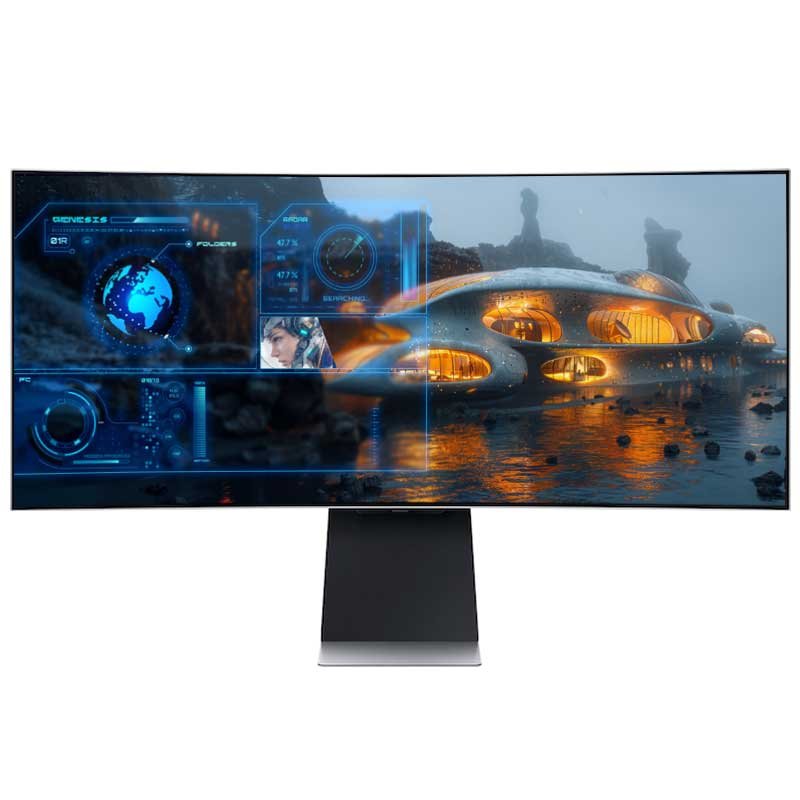
Ultrawide
- 3440 x 1440 px
16:9 — Standard Widescreen
- 3840 x 2160 px (4K UHD)
- 2880 x 1620 px
- 2560 x 1440 px (QHD)
- 1920 x 1080 px (Full HD)
16:10 — MacBook & Widescreen Monitors
- 2560 x 1600 px
- 1920 x 1200 px
- 1680 x 1050 px
Apple Mac — Retina Displays
- 2880 x 1800 px
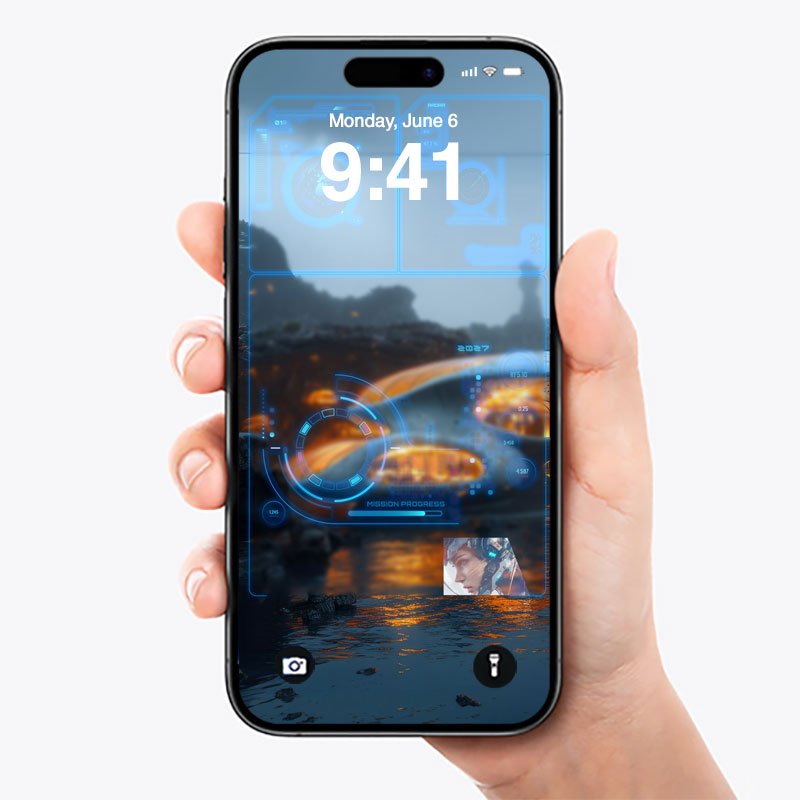
iPhone — All Current Models
- iPhone 16 Pro Max
- iPhone 16 Pro
- iPhone 16 Plus
- iPhone 16
iPad 2025
- 1640 x 2360 px
Why Choose Genesis HUD?
Premium Futuristic Design
Genesis HUD was built with the same signature 3D style that made Cryo64 famous. The result is a wallpaper that feels alive — dynamic, detailed, and unlike anything in your current setup.
Every Screen. Every Device.
From a massive dual-monitor workstation to your iPhone lock screen, Genesis HUD looks sharp on all of them. In addition, all files are included in one single ZIP — no extra purchases needed.
Part of the Genesis 11 Universe
Genesis HUD pairs perfectly with the Genesis 11 Icon Theme, Genesis 11 Cursor Set, and the Genesis 2808 Screensaver. Together, they create a fully unified desktop experience. You can also grab the full bundle and save with the Genesis 11 Complete Experience.
How to Install Your Wallpaper
On Windows 11 / Windows 10
First, extract the ZIP file to a folder of your choice. Then right-click your desktop and select Personalize → Background. Finally, browse to the extracted folder and select your preferred size.
On Mac
First, extract the ZIP file. Then open System Settings → Wallpaper. Finally, drag your chosen image into the wallpaper area or click Add Photo.
On iPhone
First, save the iPhone version to your Photos app. Then go to Settings → Wallpaper → Add New Wallpaper. Select the image and set it as your lock screen or home screen.
About Cryo64
Cryo64 is the creative studio behind some of the most downloaded Windows and Mac customization packs in the world. With millions of downloads on WinCustomize and DeviantArt, Cryo64 has built a loyal global community across more than 80 countries. Also visit OhMyIcons.com for even more premium desktop customization products.
Only logged in customers who have purchased this product may leave a review.
By D. Arnaez, Arnaez Studios LLC — Miami, FL

Reviews
There are no reviews yet