
Extra App Icons 2026 — Windows Icon Pack (.ICO) | 50 App Icons
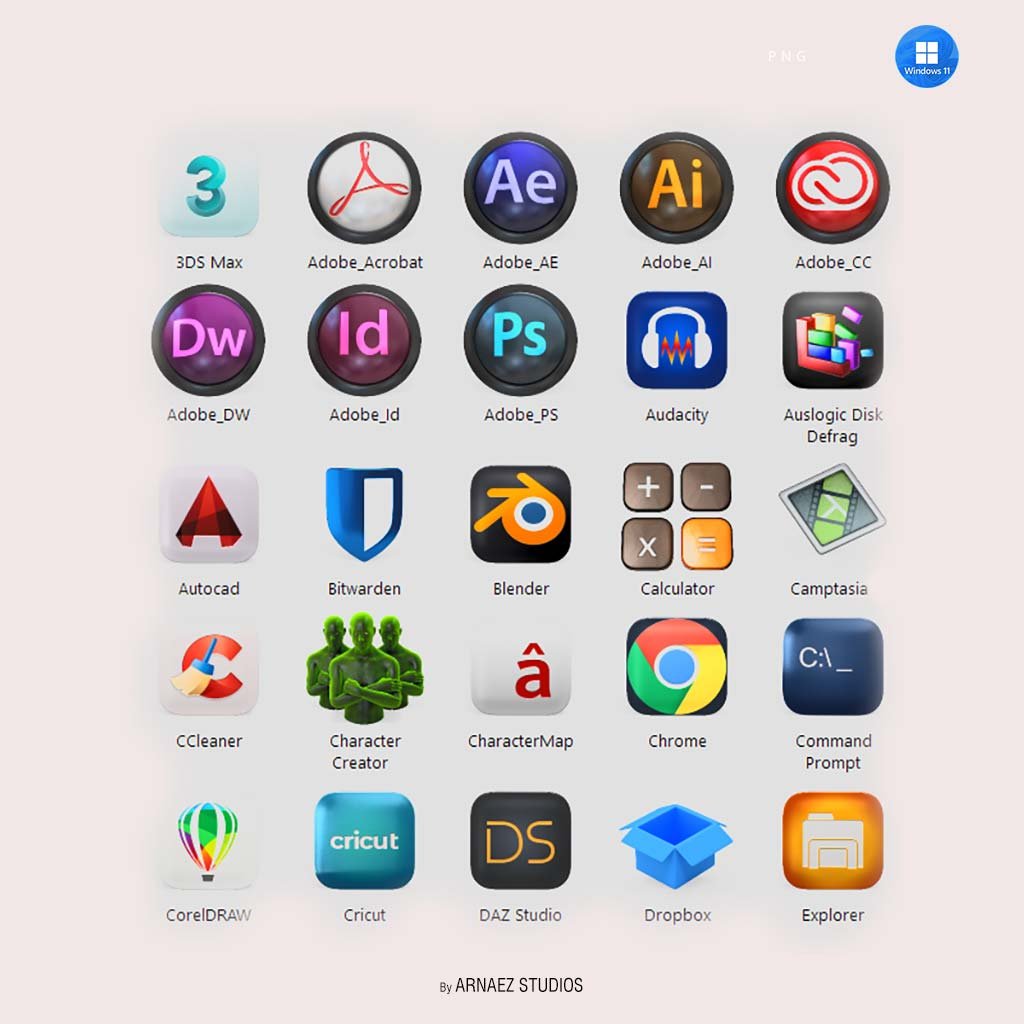
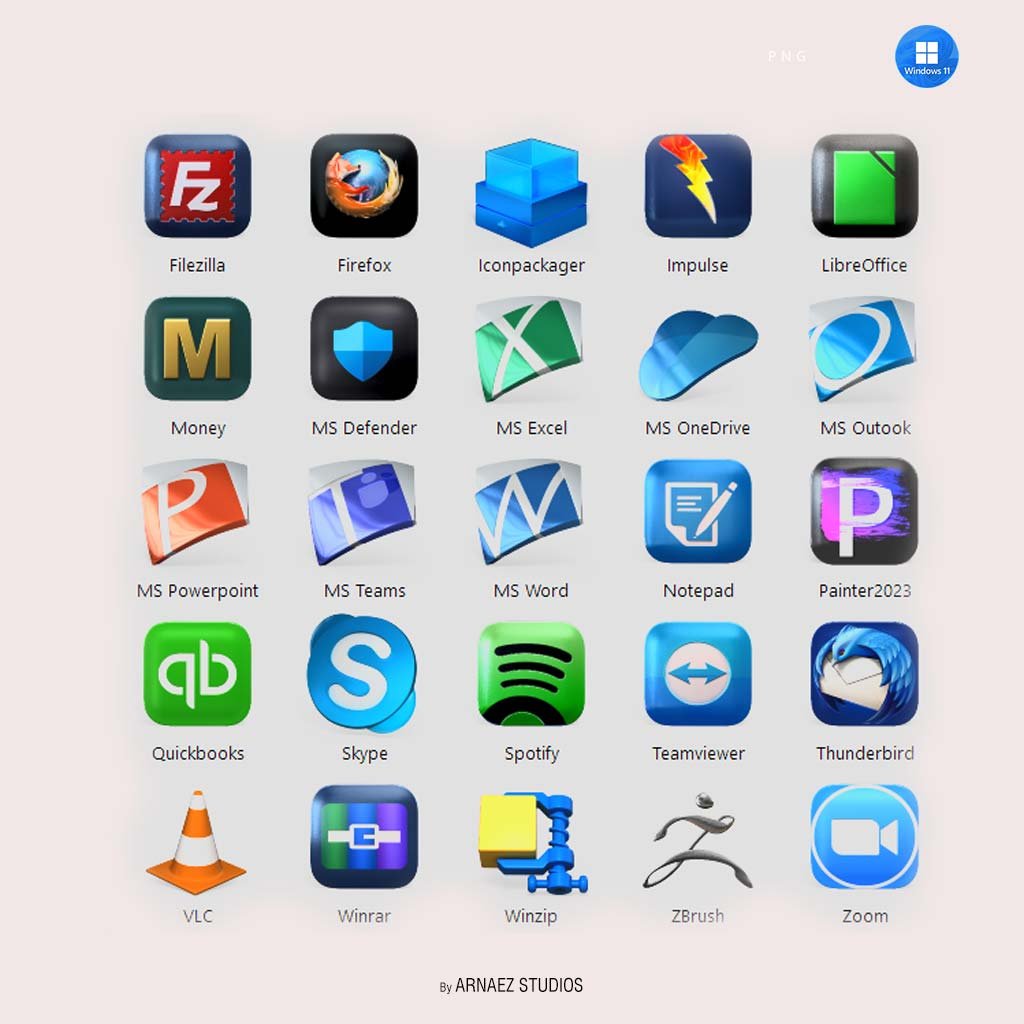
Give your Windows setup a fresh, polished look with Extra App Icons 2026 — a growing collection of 50 custom-designed icons for the apps you use every day. We design each icon at full resolution and save it in the native Windows .ICO format, so they look sharp in every context: on your desktop, in your taskbar, inside folders, or pinned to your Start Menu. As a result, every shortcut on your screen looks clean and intentional.
What’s Included
✔ 50 custom app icons for frequently used Windows applications
✔ Native .ICO format — fully compatible with Windows 10 and Windows 11
✔ 8 sizes per icon: 768×768 · 512×512 · 256×256 · 96×96 · 64×64 · 48×48 · 32×32 · 16×16 px
✔ Multi-resolution .ICO files — we pack all sizes into a single file
✔ Instant digital download — you can use them right away
Perfect For
This pack is a great fit for Windows users who want a clean, cohesive desktop look. It also works well for power users and customizers who use tools like Rainmeter, Stardock, or 7tsp. In addition, it is ideal for anyone who wants their desktop to feel visually consistent — and especially for fans of the Cryo64 design style.
Always Growing — Updated Based on Your Reviews
We actively maintain and update this pack on a regular basis. After each purchase, customer reviews help shape what icons we add next. For example, if you leave a comment requesting a specific app, we may include that icon in a future update. Best of all, buyers always receive updates at no extra cost.
How to Apply Icons on Windows
Applying icons is simple and requires no extra software for basic use. Moreover, the whole process takes only a few seconds. Follow these steps:
- First, right-click the shortcut or app you want to change.
- Then, select Properties and click Change Icon.
- Next, browse to the downloaded .ICO file and select it.
- Finally, click OK and Apply — your new icon is live instantly.
Compatibility
This pack works with Windows 10 and Windows 11. Furthermore, it supports most popular customization tools such as Stardock IconPackager and 7tsp, so you can integrate it into your existing setup without any issues.
File Format Details
| Format | .ICO — multi-size, native Windows format |
| Sizes | 768×768 · 512×512 · 256×256 · 96×96 · 64×64 · 48×48 · 32×32 · 16×16 px |
| Delivery | Instant digital download (ZIP file) |
Only logged in customers who have purchased this product may leave a review.
By D. Arnaez, Arnaez Studios LLC — Miami, FL

Reviews
There are no reviews yet