
Exodus 11 Golden Icons – IconPackager Theme for Windows 11
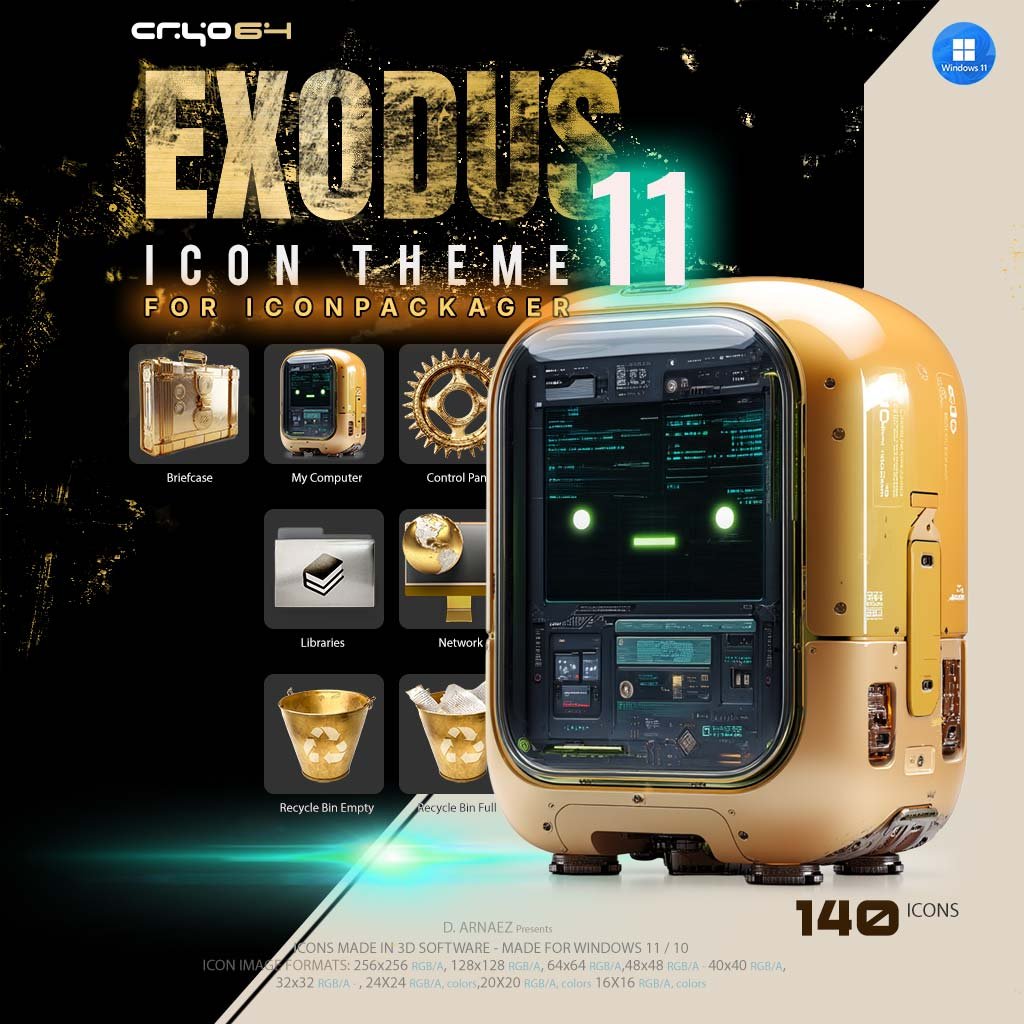
What if every icon on your PC was made of gold? Exodus 11 is a complete set of 140 golden icons for Windows 11 and Windows 10, packed as one gold icon theme for IconPackager. Load it, click Apply, and your computer, folders, drives, Recycle Bin and system tools all change at once. It’s the icon theme at the heart of the Cryo64 Exodus release, where gold is the signature of the story.
140 Golden Icons, Rendered in 3D
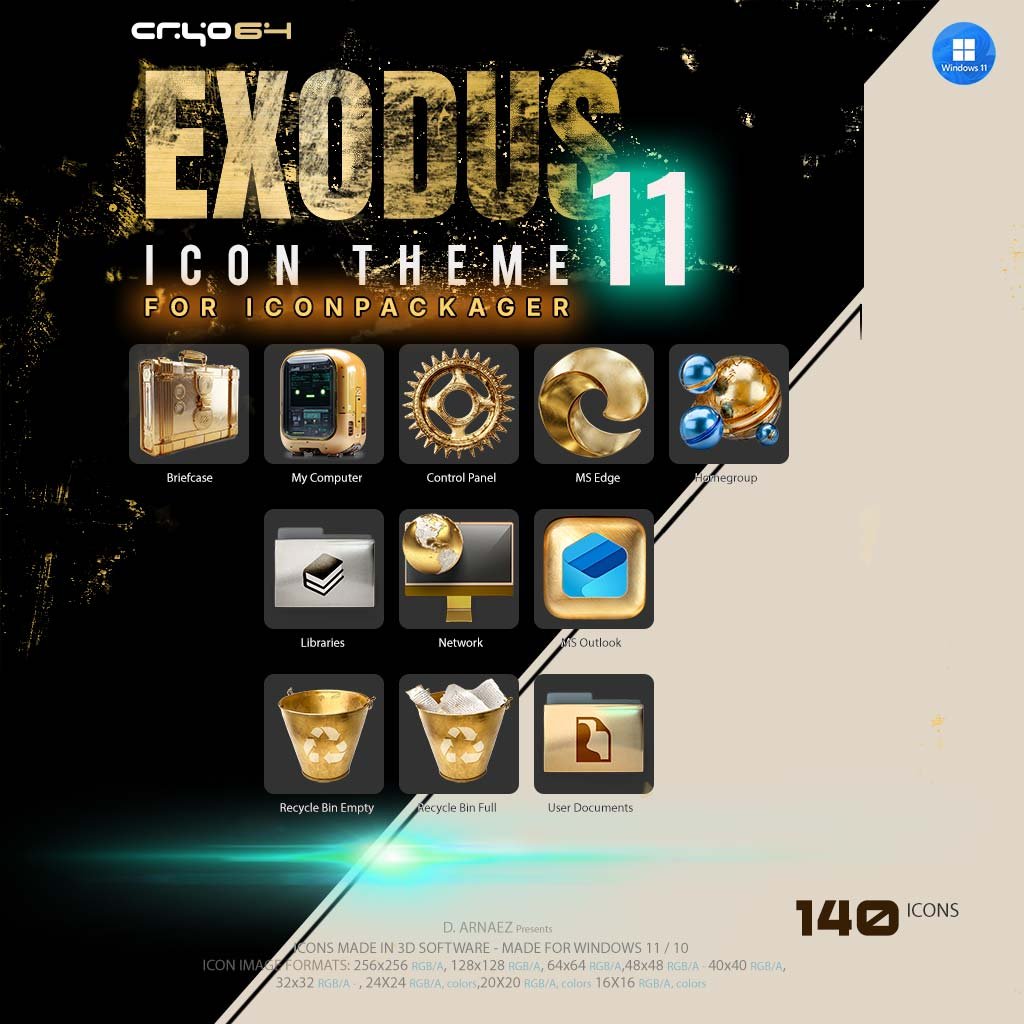
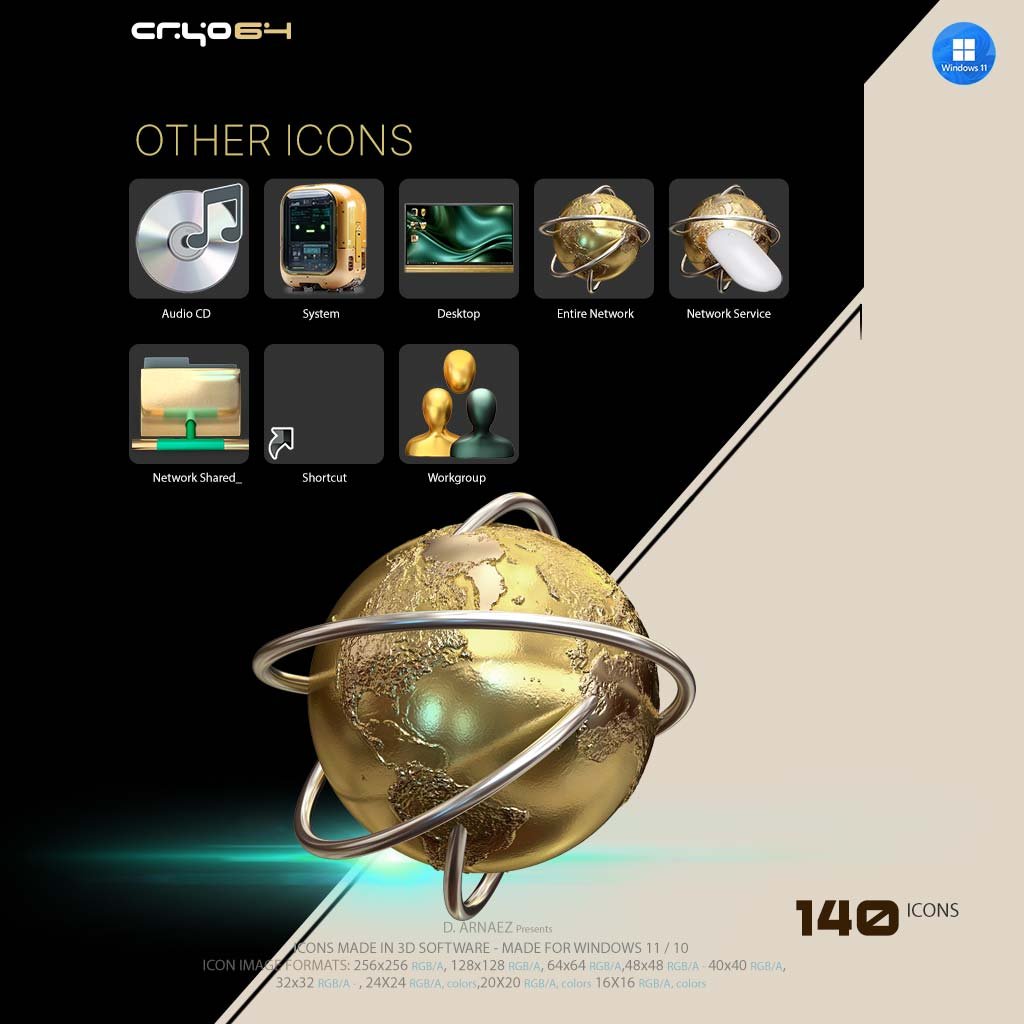
Every icon was modeled and rendered in 3D software, so the gold looks like real metal: brushed, polished and catching the light. The star of the set is This PC, a rounded gold computer with a glowing screen and a friendly green robot face. Around it you get a gold globe for Network, a sculpted gold gear for Control Panel, a gold briefcase, and two gold Recycle Bin buckets that show at a glance when it’s empty or full.
Desktop & System
- This PC, Network, Control Panel, Recycle Bin (empty and full), Briefcase, Libraries, Documents, User
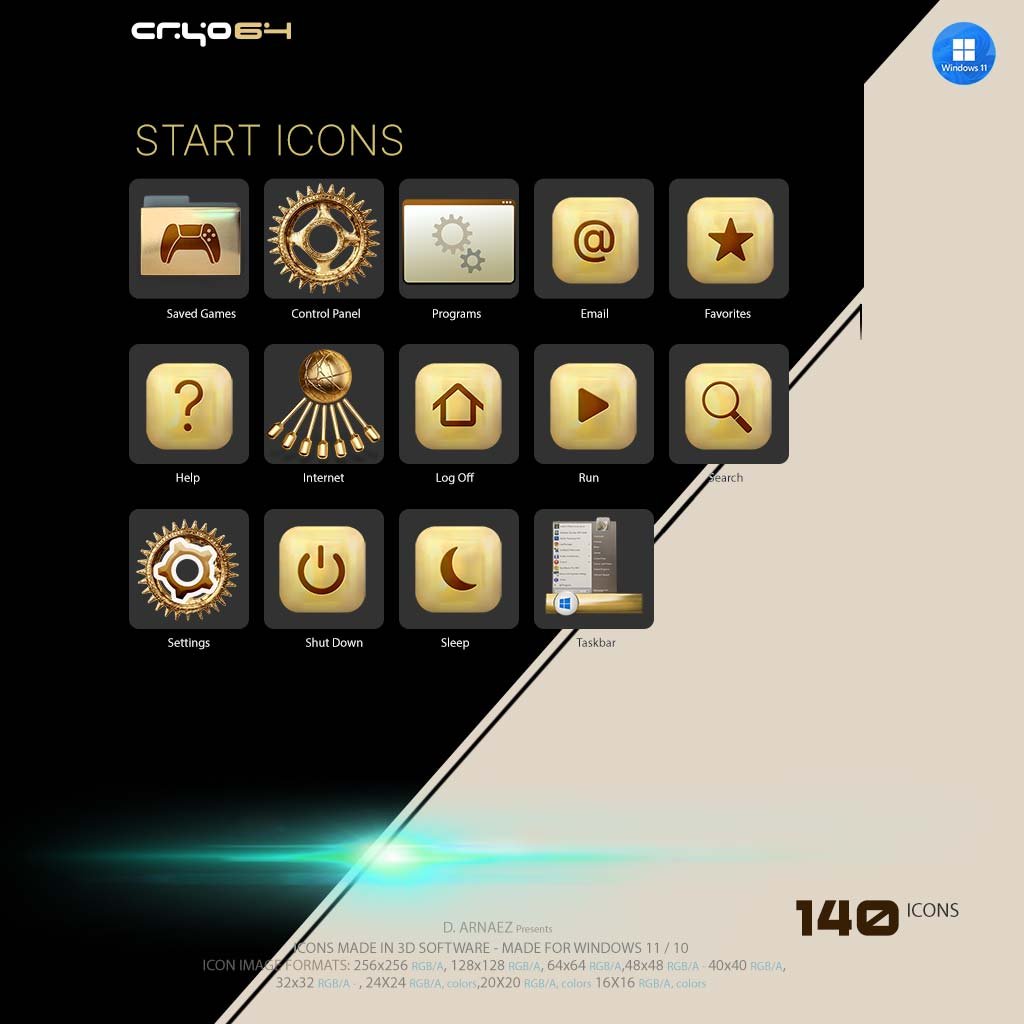
- Gold Start-style buttons: Search, Help, Run, Home, Sleep and Power
- Settings, Security, Firewall, Accessibility, Task Manager, System Restore and gold Windows logos
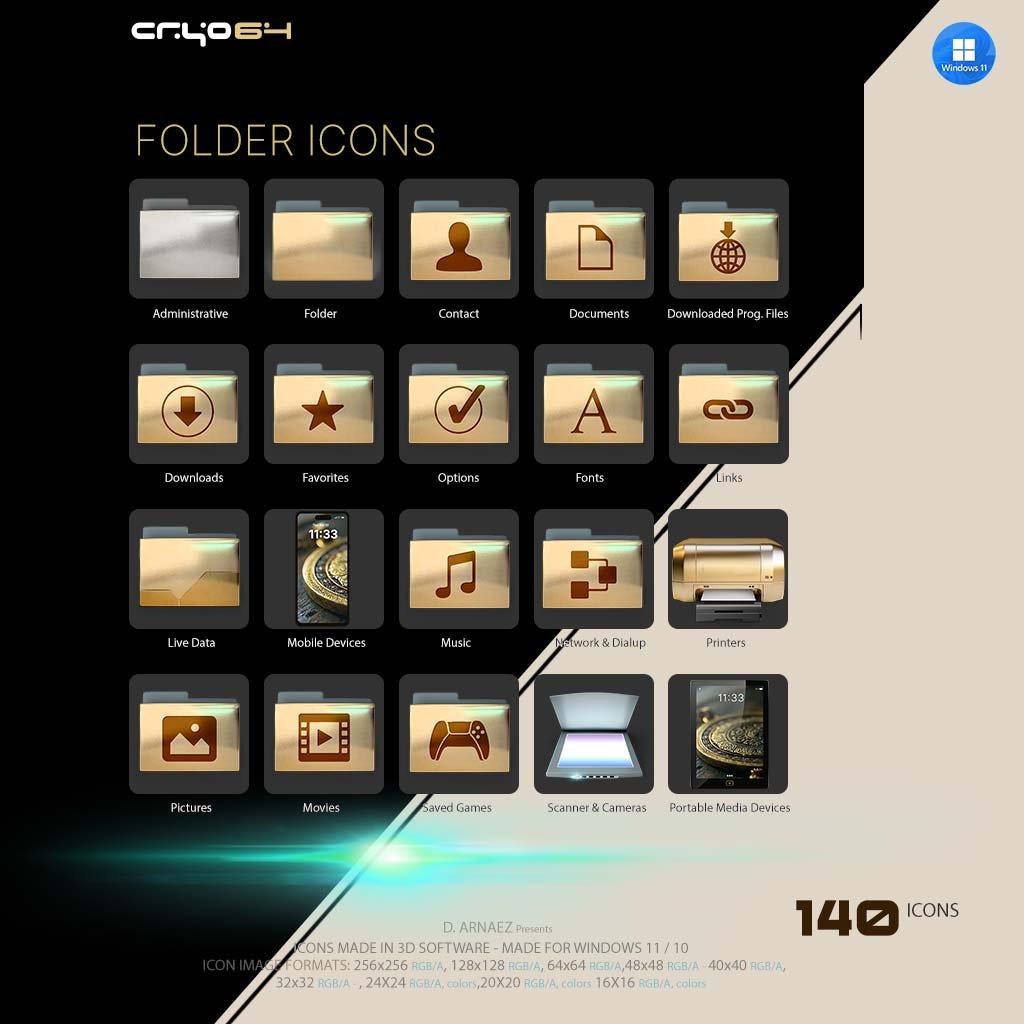
Gold Folders
- Music, Pictures, Videos, Downloads, Favorites, Fonts, Games, Contacts, Network and Shared folders
- Open and closed folder states, plus empty and full versions
Drives & Devices
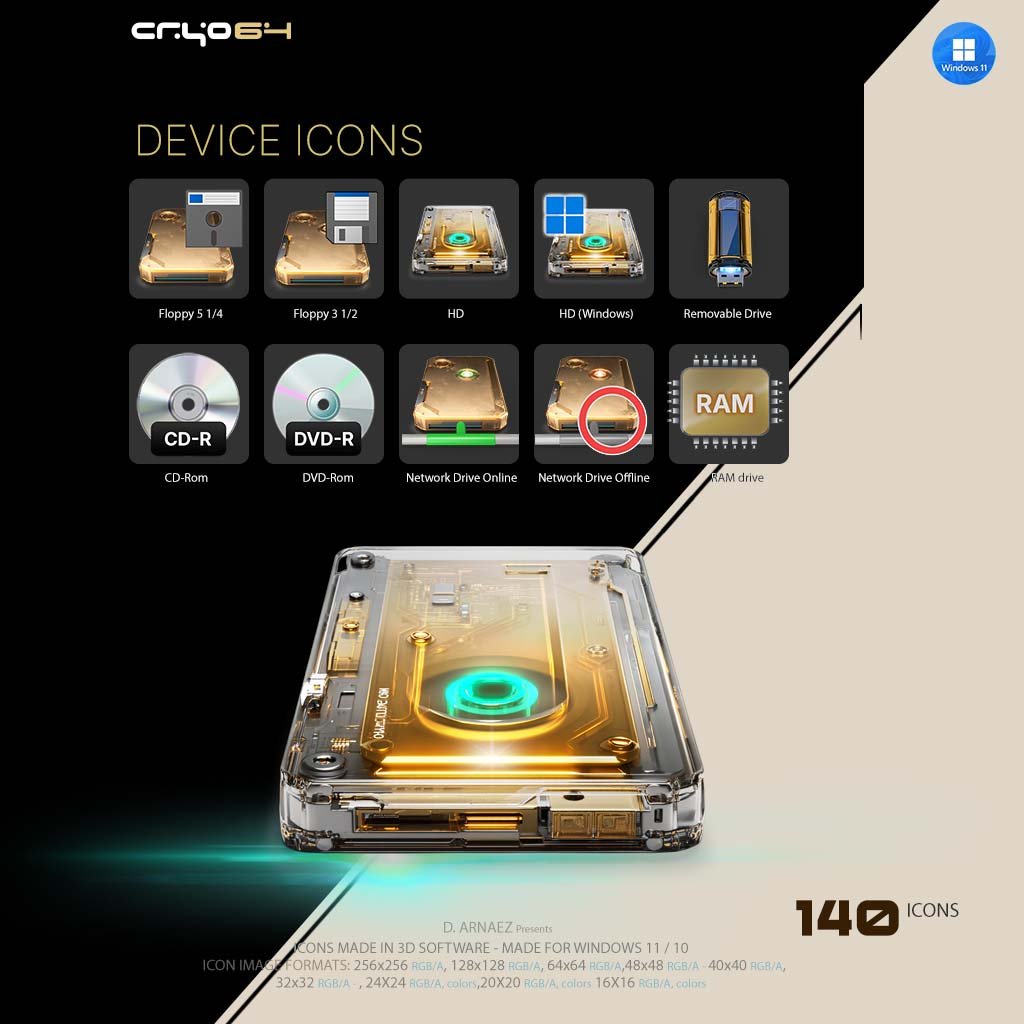
- Gold hard drives (system, data and network drives), floppy drives, CD-R and DVD-R
- USB drive, RAM, graphics card, printers, scanner, phone, tablet and webcam
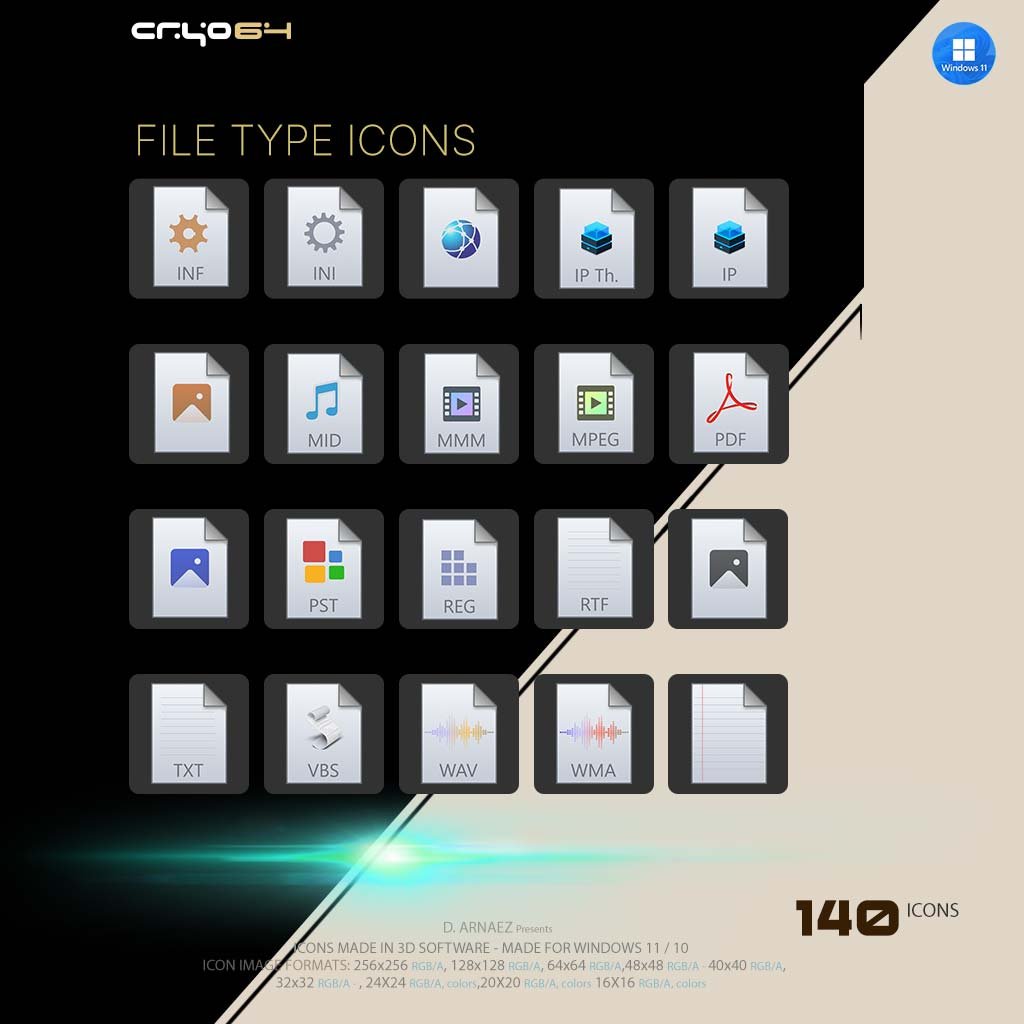
File Types
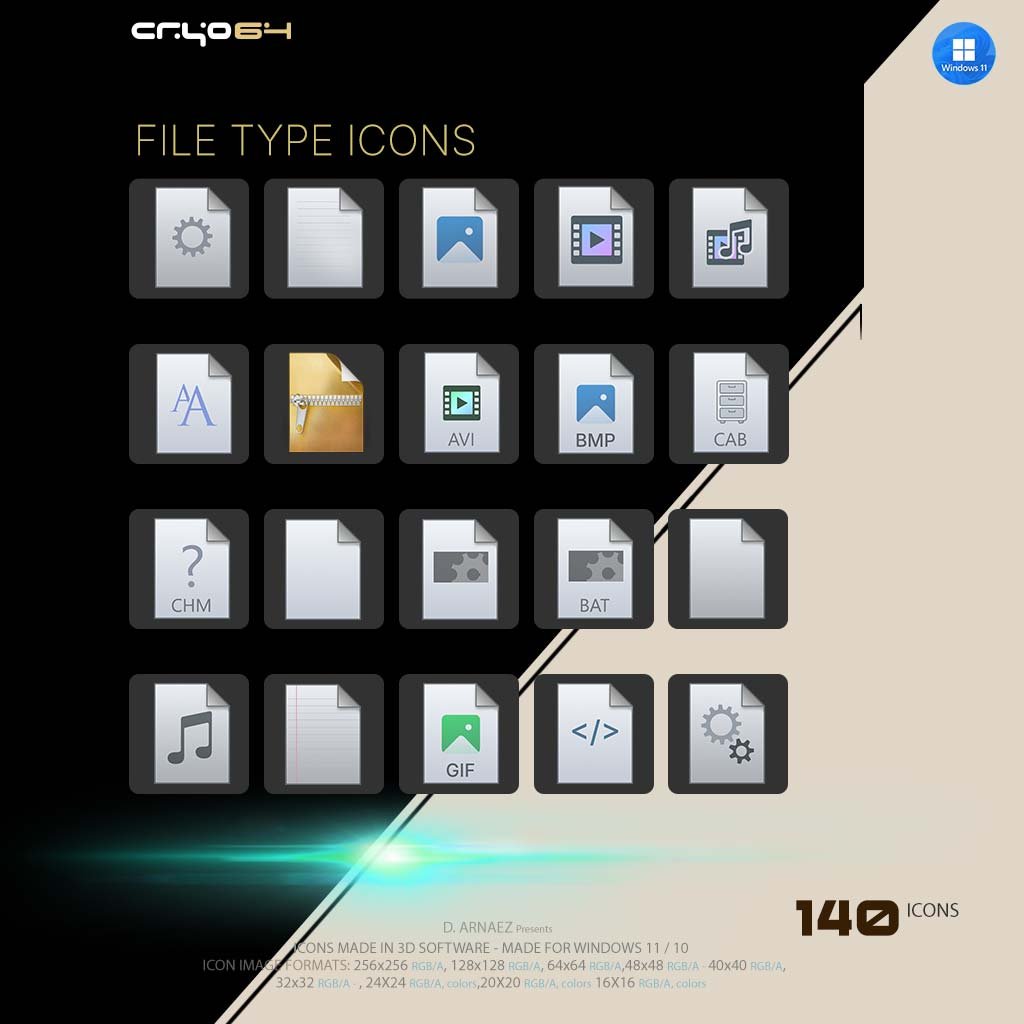
- ZIP archives with a gold zipper, images (BMP, GIF), audio (MID), video, HTML/code, INI and text files
What’s Included
- Cryo64 Exodus 11.ip – one IconPackager theme file with 140 icons
- Icon sizes: 256×256, 128×128, 96×96, 64×64, 48×48, 40×40, 32×32, 24×24, 20×20 and 16×16 px, full RGB/Alpha
- Installation guide (PDF) in English and Spanish
- Instant digital download (ZIP)
How to Install the Gold Icon Theme in IconPackager
Step 1 – Get IconPackager
You need IconPackager by Stardock installed and activated on your PC.
Step 2 – Extract the ZIP
Extract the downloaded file to any folder and find Cryo64 Exodus 11.ip.
Step 3 – Load and Apply
Double-click the .ip file (or use File → Open Package in IconPackager), select Exodus 11 and click Apply Icons.
System Requirements
- Windows 11 or Windows 10
- IconPackager by Stardock (sold separately by Stardock)
Why Cryo64
Cryo64 has been designing Windows icon themes since 2004, made by Arnaez Studios with a full 3D workflow, the same studio behind the Genesis icon themes used in more than 80 countries. You can follow our work on WinCustomize and DeviantArt.
Part of the Cryo64 Exodus Release
Exodus is the second chapter of the eight Cryo64 Series, after Genesis, and its signature is gold. Complete your golden desktop with the Gold App Icons – Exodus 11 Style, the Exodus 11 gold cursor pack, the Ascension sci-fi wallpaper and the Exodus Ascension spaceship screensaver. Explore the full Exodus Series, browse more IconPackager themes, or see where it all began with the Genesis 11 icon theme.
By Arnaez Studios.
Only logged in customers who have purchased this product may leave a review.
By D. Arnaez, Arnaez Studios LLC — Miami, FL

Reviews
There are no reviews yet