
Exodus 11 Gold Windhawk Icons – Icon Theme for Windows 11
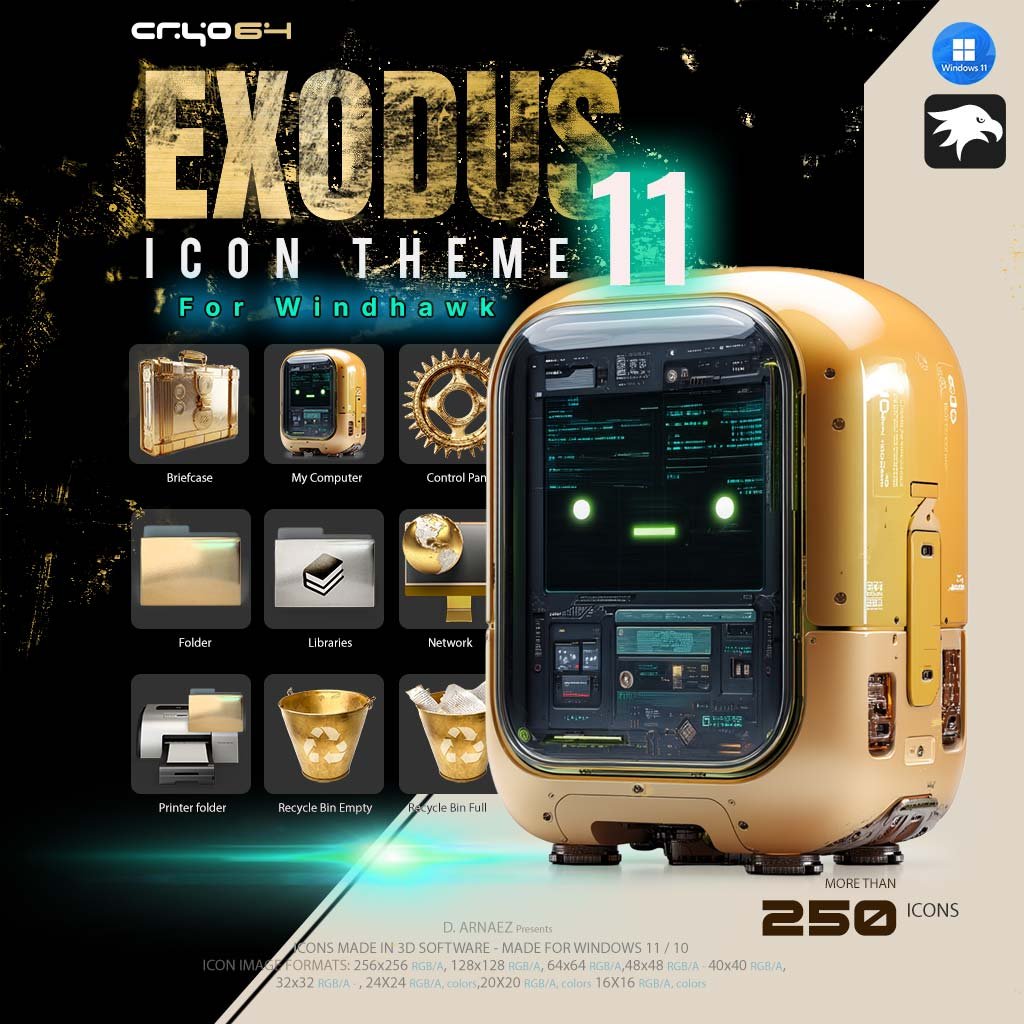
What if every system icon on your PC looked like it was cast from gold? Exodus 11 is a gold icon theme for Windows 11 that replaces more than 250 of the roughly 330 icons in the Windows system library with golden 3D artwork. These gold Windhawk icons are built around a single idea: gold. Use the free Windhawk tool, point it to the theme folder, and your computer, folders, drives and Recycle Bin all change at once. It is the Windhawk version of the icon theme at the heart of the Cryo64 Exodus release, where gold is the signature of the story.
More Than 250 Gold Windhawk Icons, Rendered in 3D
Every icon was modeled and rendered in 3D software, so the gold looks like real metal: polished, brushed and catching the light. The star of the set is This PC, a rounded gold computer with a glowing screen and a friendly green robot face. Around it you get a sculpted gold gear for Control Panel, a gold briefcase, a gold globe for Network, gold folders and two gold Recycle Bin buckets that show at a glance when it’s empty or full.
Desktop & System
- This PC, Network, Control Panel, Recycle Bin (empty and full), Briefcase, Libraries, Folder and Printer folder
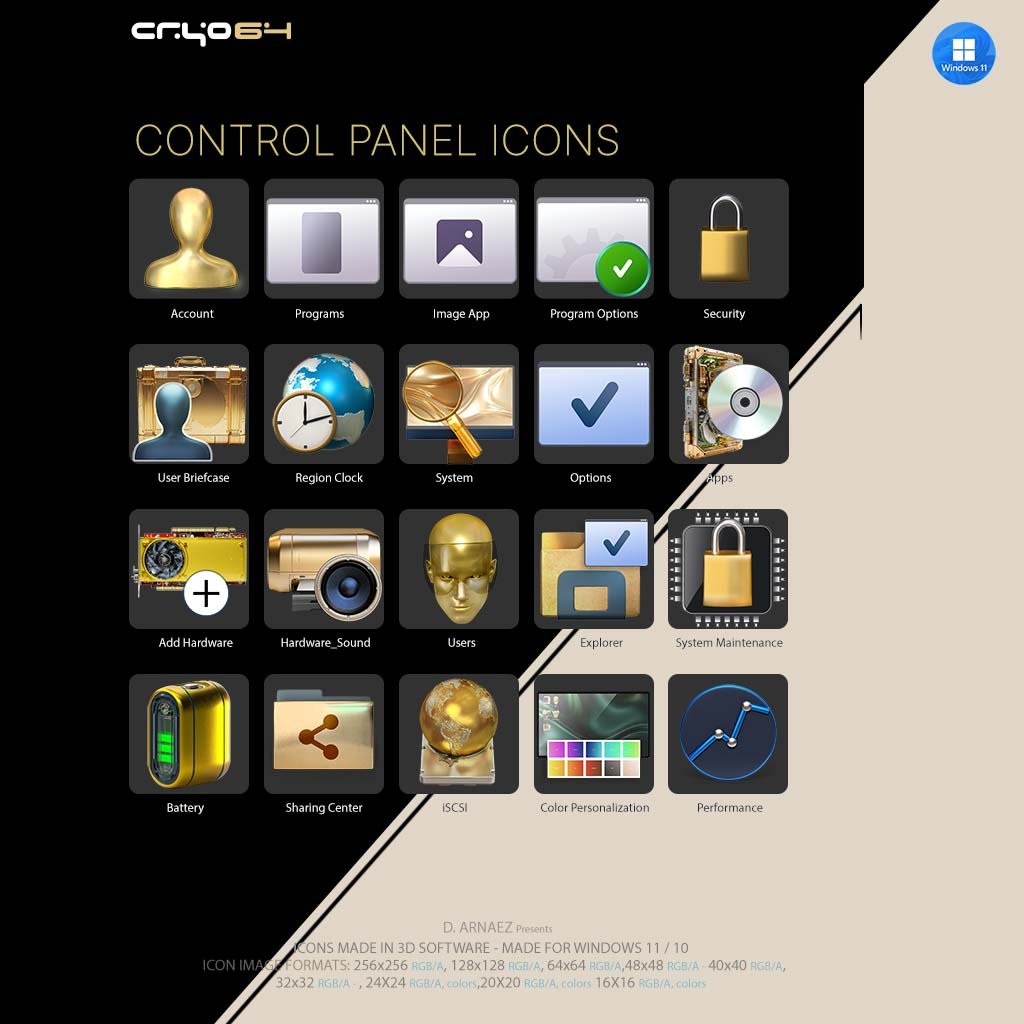
Control Panel
- Account, Users, Security, System, System Maintenance, Programs, Options and Performance
- Add Hardware, Battery, Sharing Center, Region Clock, Color Personalization, iSCSI and more
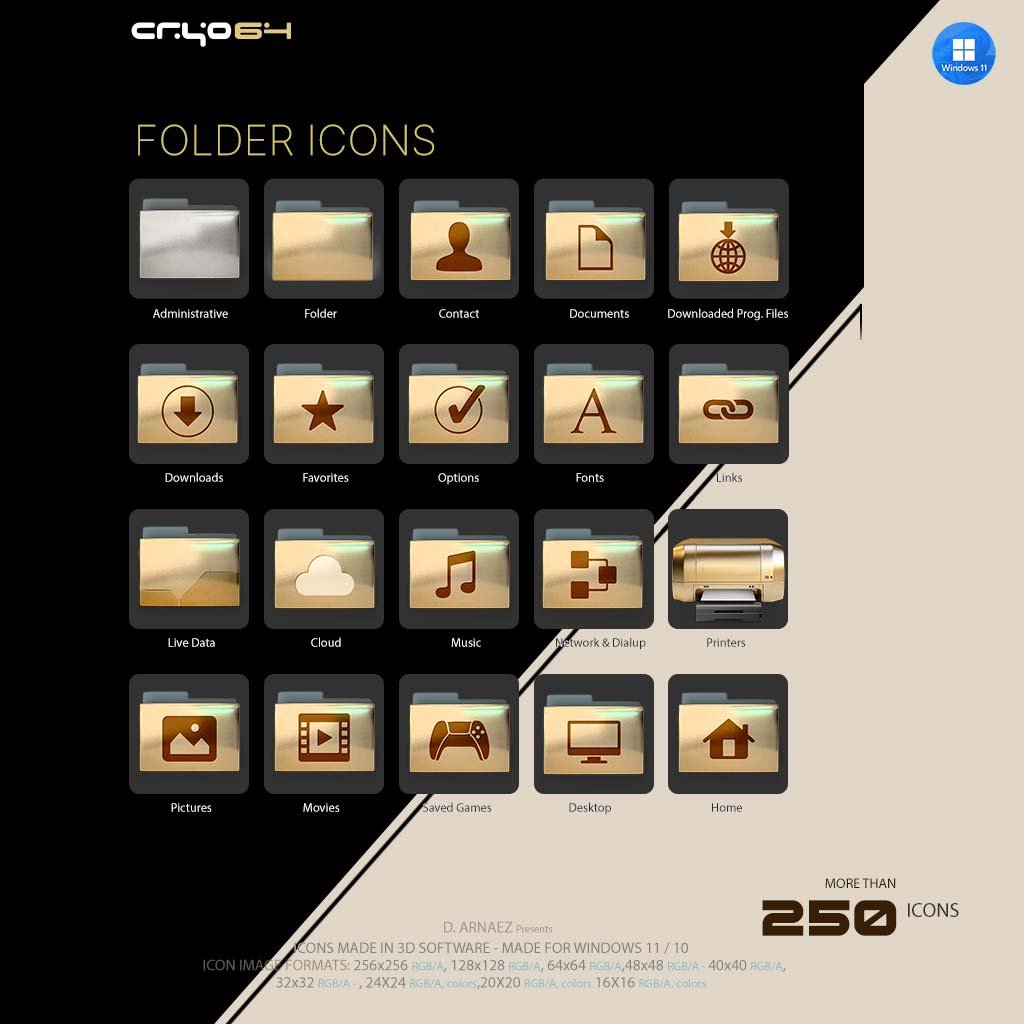
Folders
- Gold folders for Administrative, Documents, Downloads, Favorites, Fonts, Music, Pictures, Movies, Saved Games, Desktop, Home and more
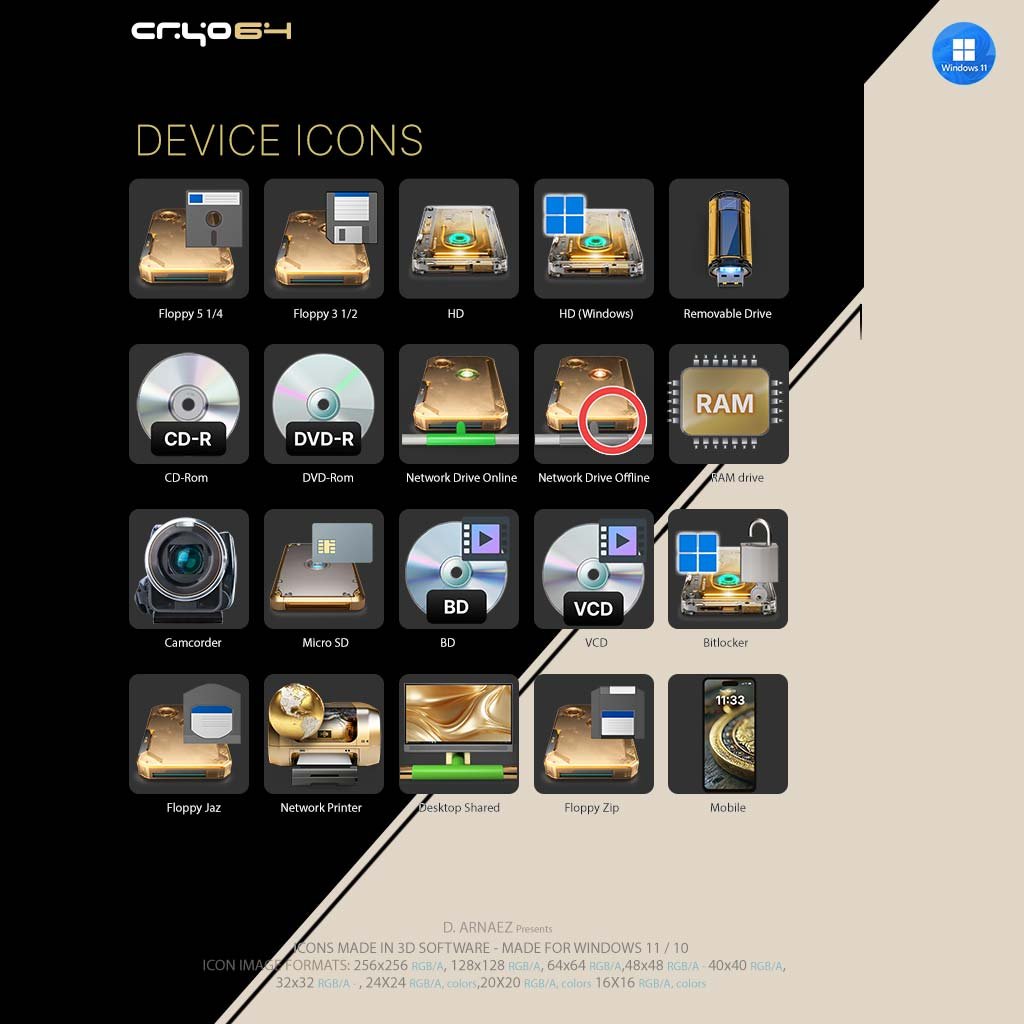
Drives & Devices
- Hard drives (local, Windows and network, online and offline), removable drive, RAM drive and Micro SD
- Optical drives: CD-R, CD-ROM, DVD-R, DVD-ROM, BD and VCD
- Floppy drives (5 1/4, 3 1/2, Jaz and Zip) and BitLocker
- Network printer, camcorder and mobile phone
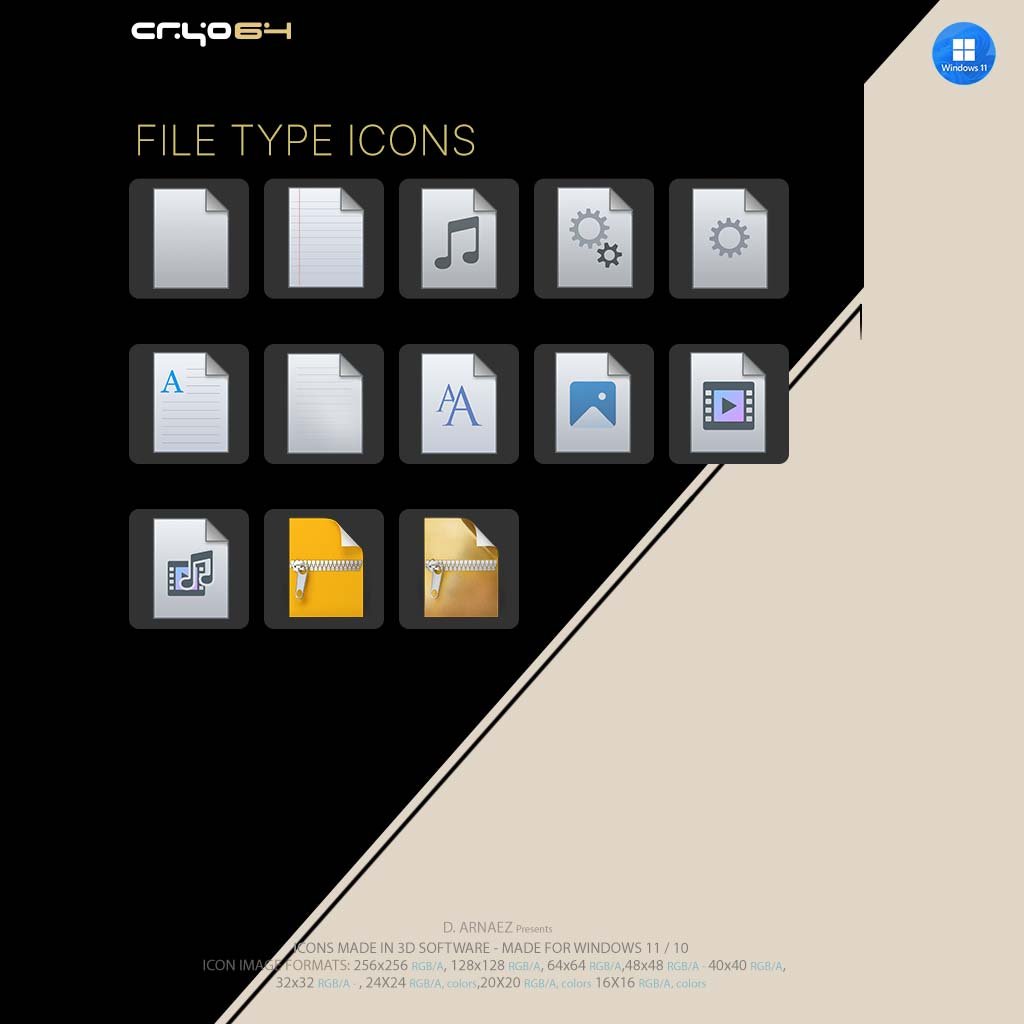
File Types
- ZIP archives in yellow and gold, fonts, images, audio, video, media files and text documents
- System and settings files, in clean silver 3D
What’s Included
- Exodus_11 theme folder for Windhawk: theme.ini plus the replacement resource files for imageres.dll, shell32.dll, imagesp1.dll and zipfldr.dll
- Icon Tools folder with Clear_icon_cache.bat, to refresh the icon cache in one click
- Icon sizes: 256×256, 128×128, 64×64, 48×48, 40×40, 32×32, 24×24, 20×20 and 16×16 px, full RGB/Alpha
- Installation guide (PDF) in English and Spanish
- Instant digital download (ZIP)
How to Install the Gold Icon Theme with Windhawk
Step 1 – Get Windhawk
Download and install Windhawk on your Windows 11 PC. It’s completely free.
Step 2 – Add the Resource Redirect Module
Open Windhawk, go to Explore, search for Resource Redirect and click Install.
Step 3 – Extract the ZIP and Copy the Theme
Extract the downloaded file, then copy the Exodus_11 folder to a permanent place, for example C:\Cryo64\Icon_themes\Exodus_11.
Step 4 – Set the Theme Path and Restart
In the Resource Redirect settings, scroll down to Theme paths, type the path to your Exodus_11 folder and save. Then restart Windows Explorer or your computer, and your icons turn gold.
✅ New to Windhawk? No problem! Follow our complete step-by-step guide: How to Install a Custom Icon Theme on Windows 11 with Windhawk
System Requirements
- Windows 11
- Administrator access on your computer
- Windhawk with the Resource Redirect module (both free)
Why Cryo64
Cryo64 has been designing Windows icon themes since 2004, made by Arnaez Studios with a full 3D workflow, the same studio behind the Genesis icon themes used in more than 80 countries. You can follow our work on WinCustomize and DeviantArt.
Part of the Cryo64 Exodus Release
Exodus is the second chapter of the eight Cryo64 Series, after Genesis, and its signature is gold. Complete your golden desktop with the Gold App Icons – Exodus 11 Style, the Exodus 11 gold cursor pack, the Ascension sci-fi wallpaper and the Exodus Ascension spaceship screensaver. Explore the full Exodus Series, or see where it all began with the Genesis 11 icon theme for Windhawk.
By Arnaez Studios.
Only logged in customers who have purchased this product may leave a review.
By D. Arnaez, Arnaez Studios LLC — Miami, FL

Reviews
There are no reviews yet