
Exodus Ascension – Cinematic Spaceship Screensaver for Windows 11 & 10
Exodus Ascension – A Cinematic Spaceship Screensaver for Windows 11 & 10
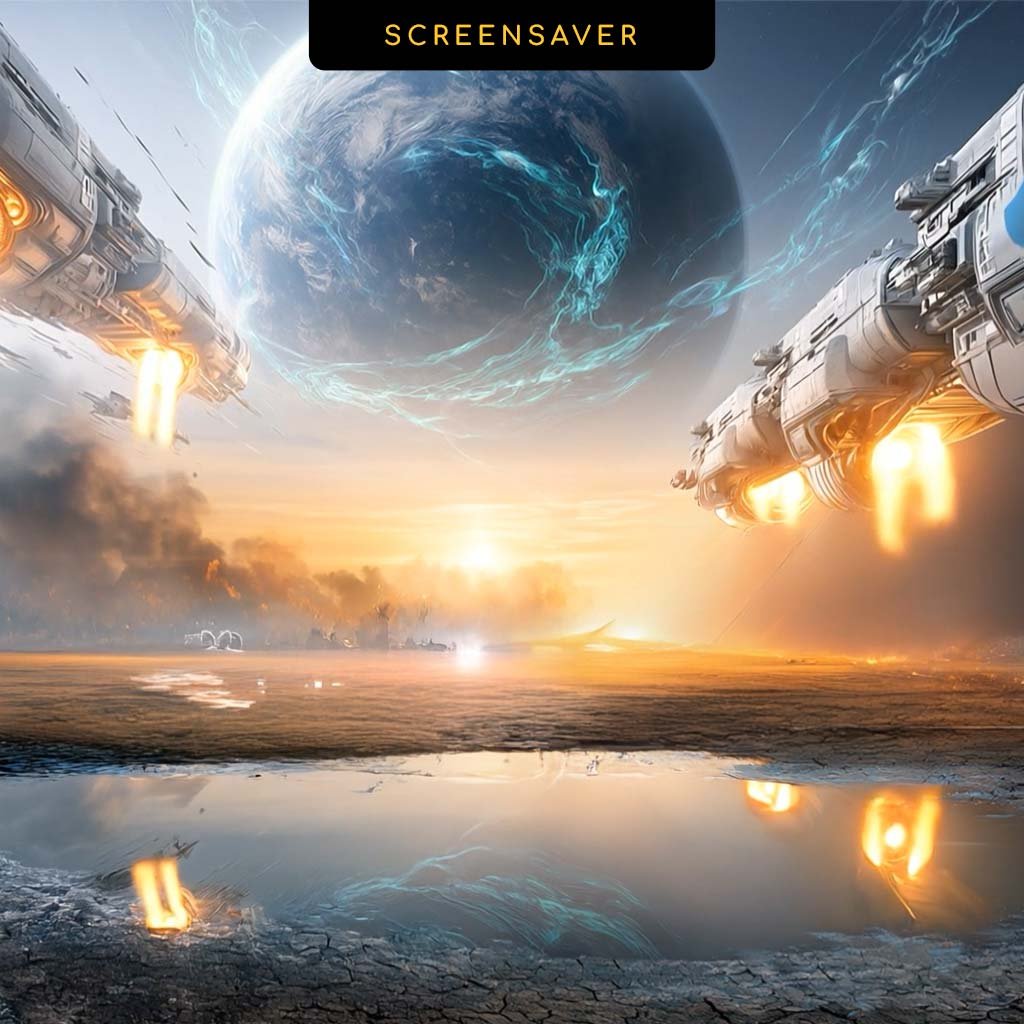
Step away from your PC, and humanity takes flight. Exodus Ascension is a cinematic spaceship screensaver for Windows 11 and Windows 10 by Cryo64: on a burning Earth, the great arks ignite their engines at first light and rise past a still reflecting pool toward a new planet glowing in the sky. It’s Chapter II of the Cryo64 Series, and the second half of the story that begins in the Ascension wallpaper.
Chapter II: The Year 2811
Three years have passed since Genesis. In 2808, humanity built its last refuge on Earth, a home carved between rock and water, watched over by an android guardian. But the old world couldn’t hold on. The skies filled with smoke, the land began to burn, and humanity made the hardest decision in its history: to leave.
Exodus is the story of that departure. Not a flight from the end, but a journey toward a new beginning. Humanity sets out in search of a world that is more human, and closer to God, carrying with it the one thing that can’t be left behind: hope.
Where Your Wallpaper Ends, Your Screensaver Begins
On your desktop, the Ascension wallpaper captures the moment before: thousands of people in line, climbing the ramps of the great arks while a new world rises in the sky.
Step away, and the story continues on the very same shore. Night falls. At first light the engines ignite, and the fleet rises toward the new world. The land falls silent behind them, the sun sets over the burning horizon, and the ships return to the stars, leaving one final message on your screen:
THE FUTURE IS IN YOUR HANDS
Silent by Design
Exodus Ascension has no soundtrack, on purpose. No noise when your PC goes idle, nothing to disturb the room. The roar of the engines and the silence of the empty shore are yours to imagine.
Now in True Full Screen
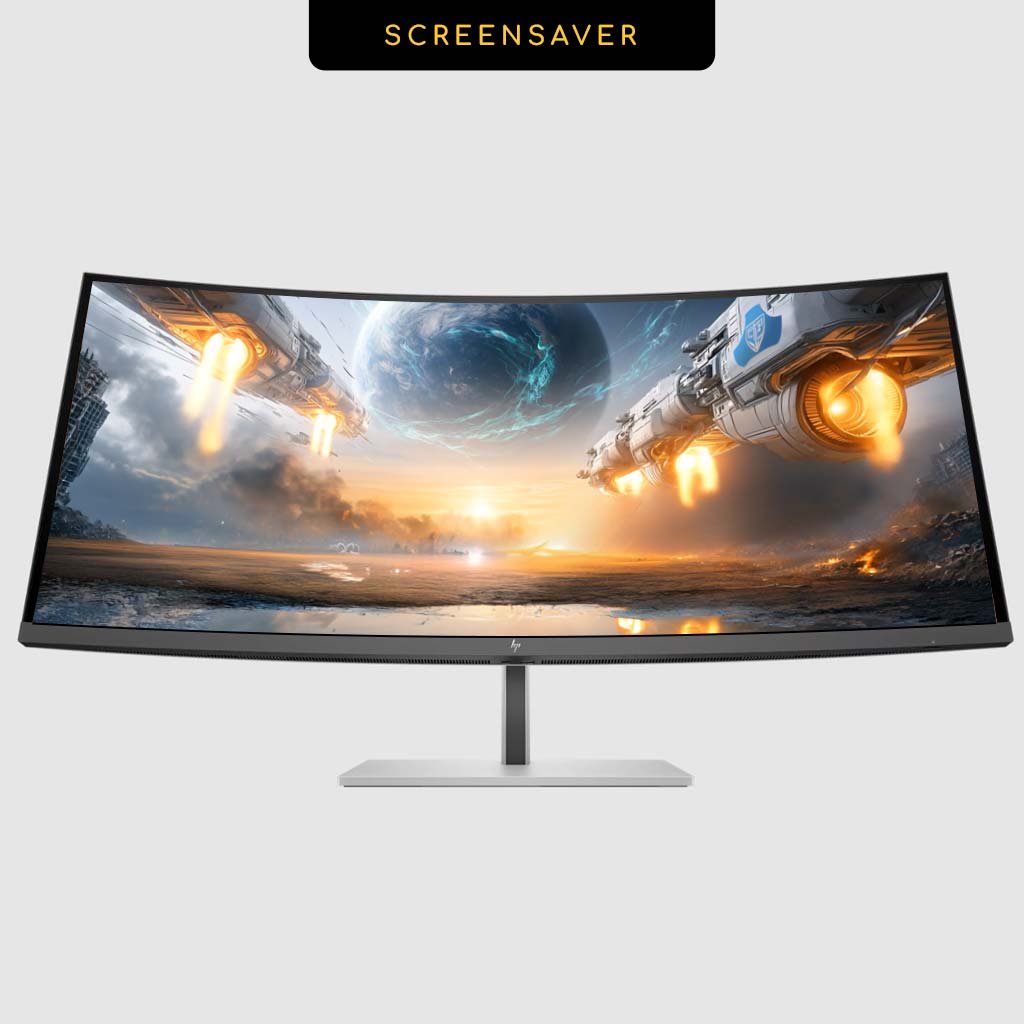
Unlike Genesis Year 2808, Exodus Ascension fills your entire display edge to edge, with no black bars on the sides. It looks right on standard 16:9 monitors, 16:10 laptops and 21:9 ultrawide screens like 3440 × 1440.
What’s Included
- Exodus Ascension Screensaver: a 1-minute cinematic animated sequence that loops from night to dawn and back to the stars
- Install_Screensaver.exe: one-click Windows installer, no technical knowledge required
- PDF Installation Guide: step-by-step instructions and troubleshooting in English and Spanish
How to Install Your Spaceship Screensaver on Windows 11 or 10
Step 1 – Download and Extract
Download your ZIP file and extract it to any folder on your computer.
Step 2 – Run the Installer
Open the extracted folder and double-click Install_Screensaver.exe. If Windows SmartScreen shows a warning, click More info and then Run anyway. The file is safe: it only installs the screensaver. Follow the wizard and click Finish.
Step 3 – Set It as Your Active Screensaver
Right-click your desktop and select Personalize. Go to Lock screen → Screen saver settings on Windows 11, or Themes → Screen saver settings on Windows 10. Choose Exodus Ascension from the dropdown, set your wait time, click Preview, then Apply and OK.
System Requirements
- Windows 11 or Windows 10 (64-bit)
- Administrator account required for installation
- DirectX 9 compatible graphics card or higher
- 1 GB VRAM recommended for best visual performance
Why Cryo64?
Cryo64 has been creating premium Windows themes, icon sets and animated screensavers since 2004, with desktop art shared on WinCustomize and DeviantArt and used by desktop customizers in over 80 countries. The Cryo64 Series goes one step further: every chapter tells a story, and its wallpaper and screensaver are two halves of the same scene.
Part of the Cryo64 Exodus Release
Exodus is the second chapter of the Cryo64 Series, and its signature is gold. Complete the story with the Ascension wallpaper and the Exodus 11 Gold Cursor Pack, explore the full Exodus Series, or go back to where it all began with the Genesis Series. Find more animated scenes in our screensavers for Windows, and visit OhMyIcons.com for even more icon packs.
By D. Arnaez, Arnaez Studios LLC – Miami, FL
Only logged in customers who have purchased this product may leave a review.
By D. Arnaez, Arnaez Studios LLC — Miami, FL

Reviews
There are no reviews yet