
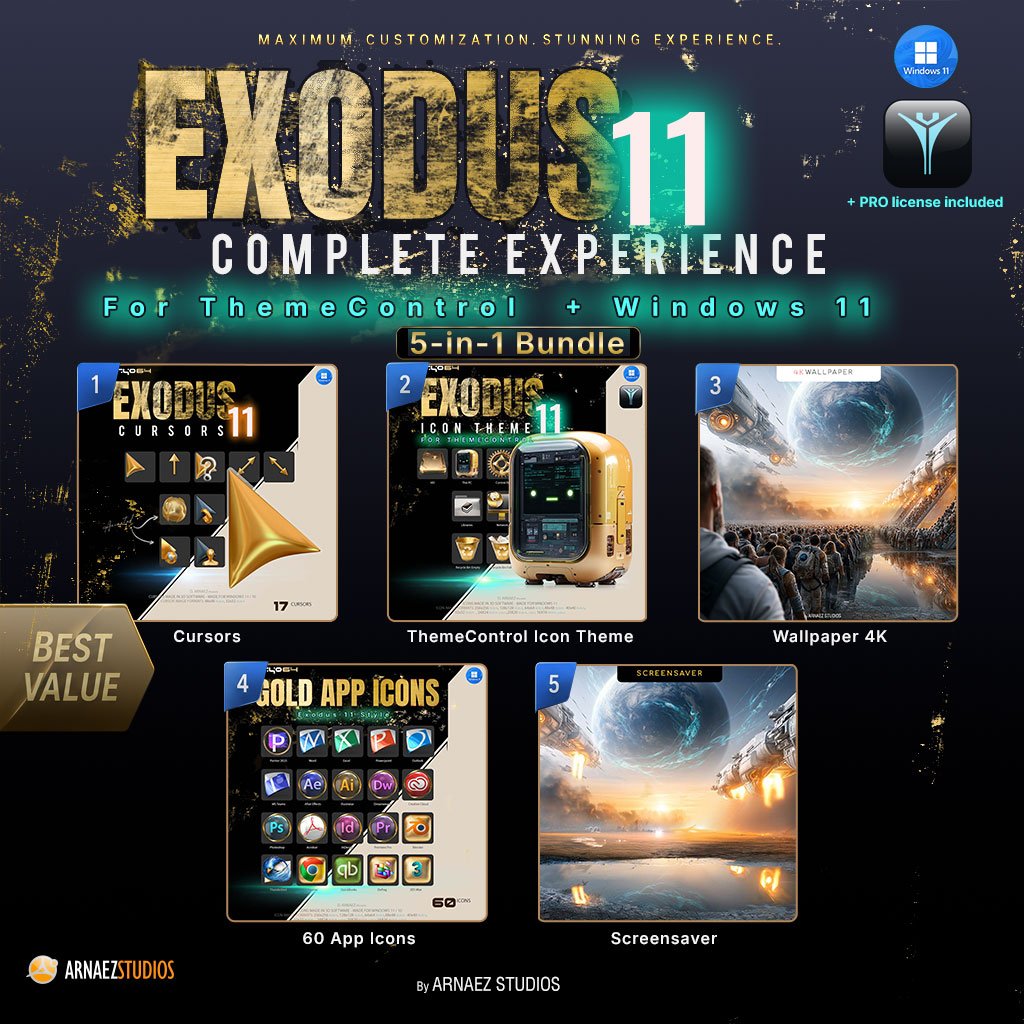
Exodus 11 Complete Experience for ThemeControl – Windows 11 Bundle
What if your whole desktop was made of gold? The Exodus 11 Complete Experience is a gold Windows 11 theme in one purchase: a golden icon theme with the Ascension wallpapers, 60 gold app icons, a 3D gold cursor set and the Exodus Ascension spaceship screensaver, applied with ThemeControl, the free app we built to install our themes in one click. A ThemeControl PRO license is included.
One Golden World, One Click
In Exodus 11 every piece belongs to the same story. The icons, app icons and cursors are rendered in 3D gold, so they look like real polished metal. The Ascension wallpaper shows humanity boarding colossal starships under a golden sunrise, and the screensaver continues on the very same shore when you step away from your PC.
What’s Inside the Gold Windows 11 Theme Bundle
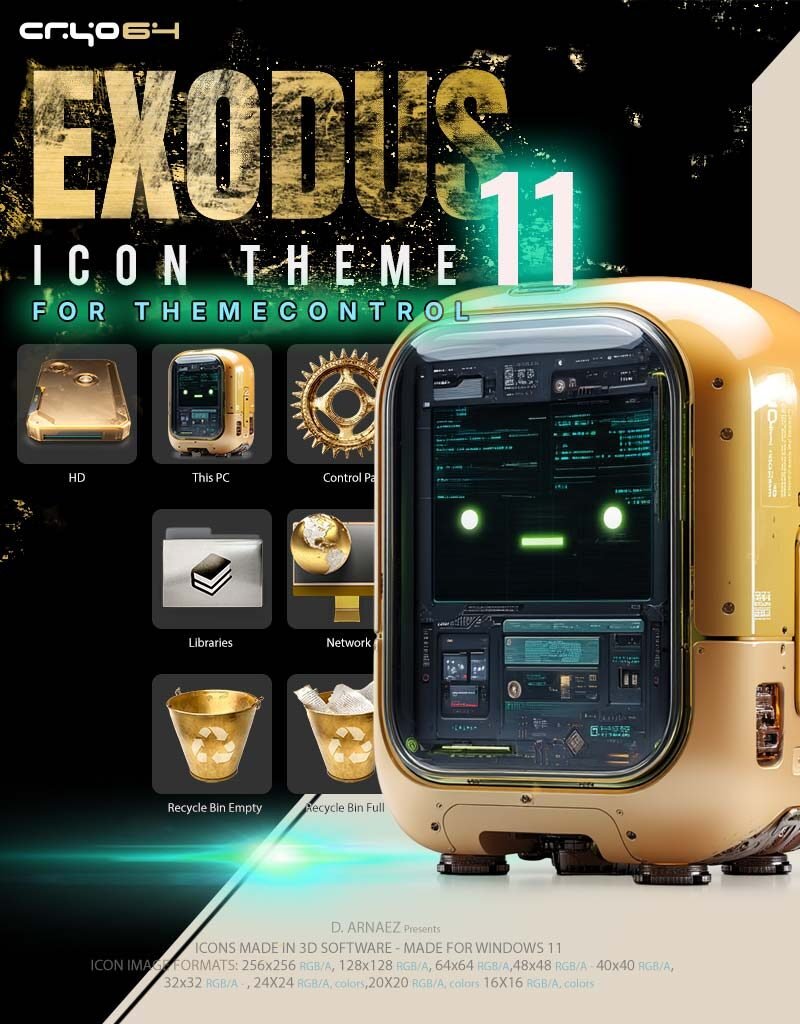
- 🎨 Exodus 11 Icon Theme for ThemeControl: 61 icons for This PC, folders, drives, the Recycle Bin and 19 file types, plus 4 Ascension wallpapers in sizes up to 7680 × 2160. ThemeControl picks the best one for each screen.
- 🔑 ThemeControl PRO license: the Icon Theme Builder, the Lite themes, Folder view and Desktop spacing. One-time payment, up to 3 PCs.
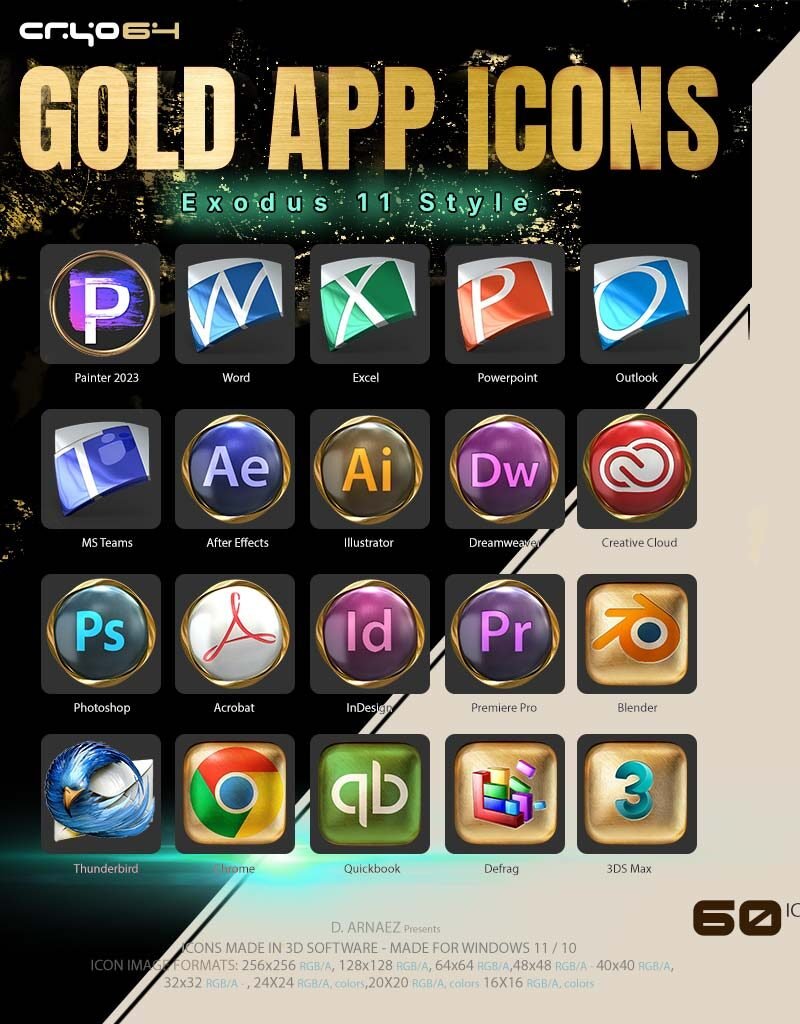
- 📦 Gold App Icons – Exodus 11 Style: 60 gold app icons (.ICO) for the apps you open every day, from ChatGPT and Claude to Photoshop, Chrome and Spotify.
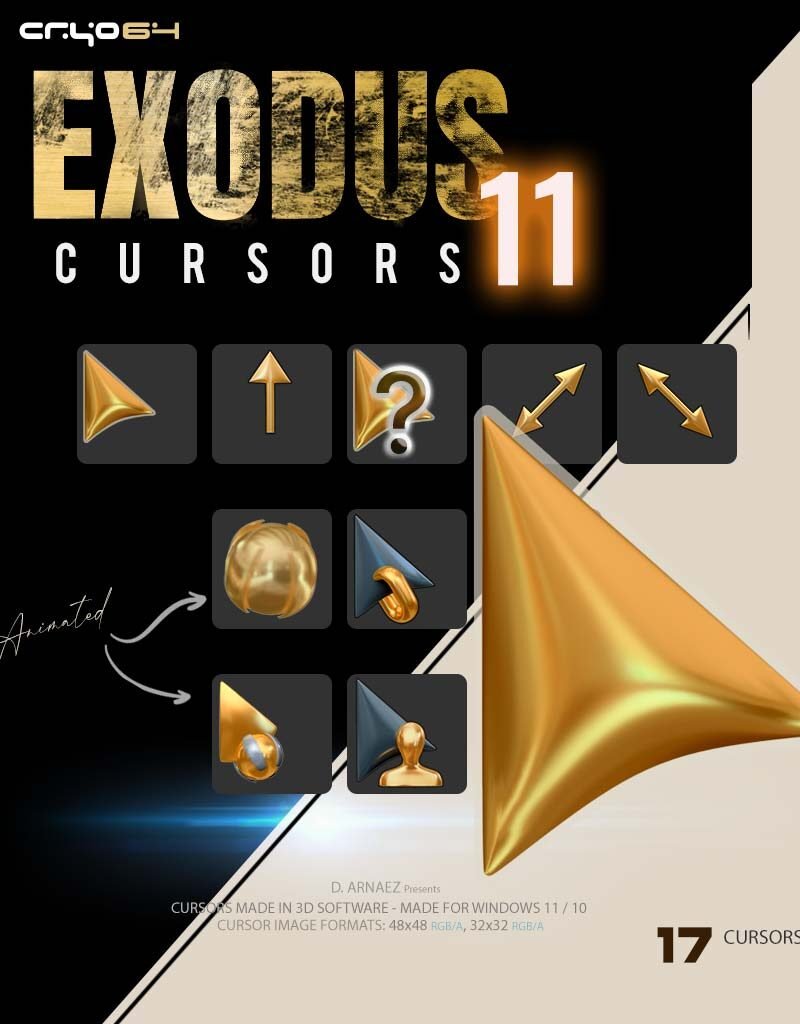
- 🖱️ Exodus 11 – 3D Gold Cursor Pack: 17 gold cursors with real 3D depth, two of them animated.
- 🌅 Ascension – Sci-Fi Hope Wallpaper 4K: the same scene for your phone, iPad and Mac too.
- 🚀 Exodus Ascension – Spaceship Screensaver: the second half of the scene, in true full screen, even on ultrawide monitors.
Save With the Bundle
Bought separately, everything costs $60.76. The bundle is $44, and $34.44 for Black Friday through Cyber Monday.
How to Set Up Your Gold Desktop
- Install ThemeControl. The installer comes with the theme, or download it free.
- Activate PRO. Open ThemeControl, click the “ThemeControl Free” or “PRO trial” badge at the top and paste the license key from your order email (also in My Account → License keys).
- Apply Exodus 11. Double-click Exodus 11.thc, then click Apply theme. Icons and wallpaper change together. “Restore previous icons” brings your old look back anytime.
- Add the finishing touches. Install the cursors with the included .inf, run Install_Screensaver.exe for the screensaver, and use the gold app icons for your favorite programs.
System Requirements
- Windows 11
- ThemeControl (free download, digitally signed)
- 1080p or higher; 4K recommended for the wallpapers
Already own an earlier version of Exodus 11? Send us your order number and we’ll add the ThemeControl version to your order, free.
Why Cryo64
Cryo64 has been designing Windows icon themes, cursors and desktop art since 2004, made by Arnaez Studios with a full 3D workflow and used by desktop customizers in more than 80 countries. You can follow our work on WinCustomize and DeviantArt.
Part of the Cryo64 Exodus Release
Exodus is the second chapter of the eight Cryo64 Series, after Genesis, and its signature is gold. Explore the full Exodus Series, or see where it all began with the Genesis 11 Complete Experience for ThemeControl.
All app names and logos are trademarks of their respective owners. The app icons are original artwork for personal desktop customization and are not affiliated with or endorsed by those companies.
By D. Arnaez, Arnaez Studios LLC, Miami, FL.
Only logged in customers who have purchased this product may leave a review.
By D. Arnaez, Arnaez Studios LLC — Miami, FL



Reviews
There are no reviews yet