
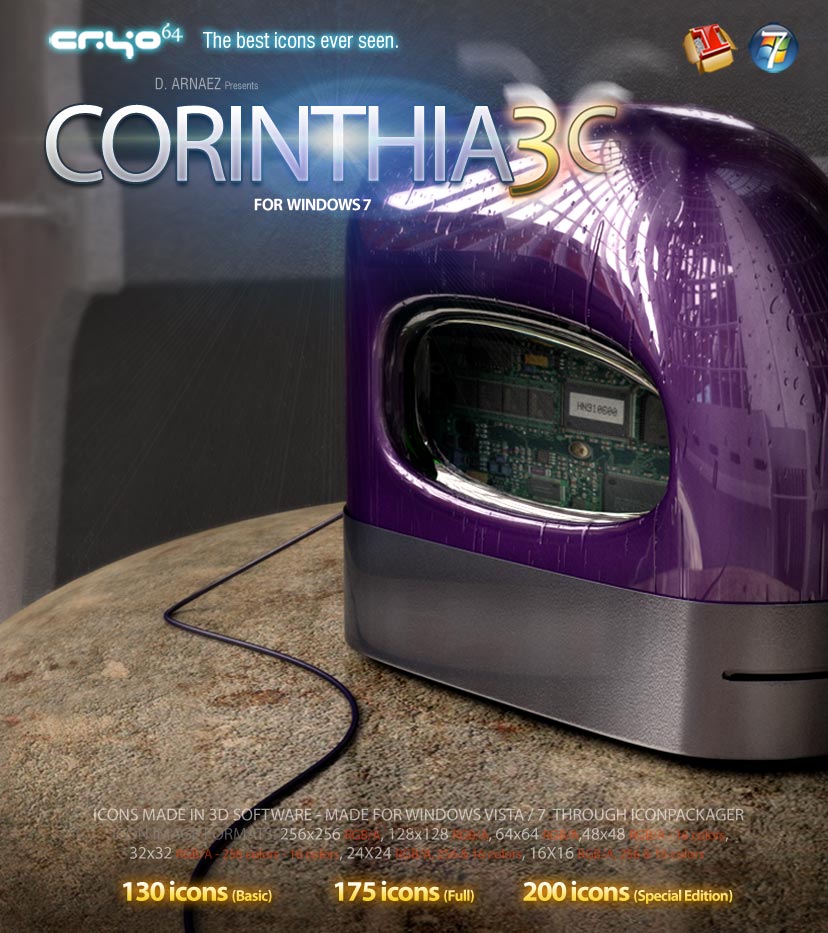
Corinthia 3G – Icon Theme Windows
Corinthia 3G Icon Theme — A Wet-Effect Icon Overhaul for Windows
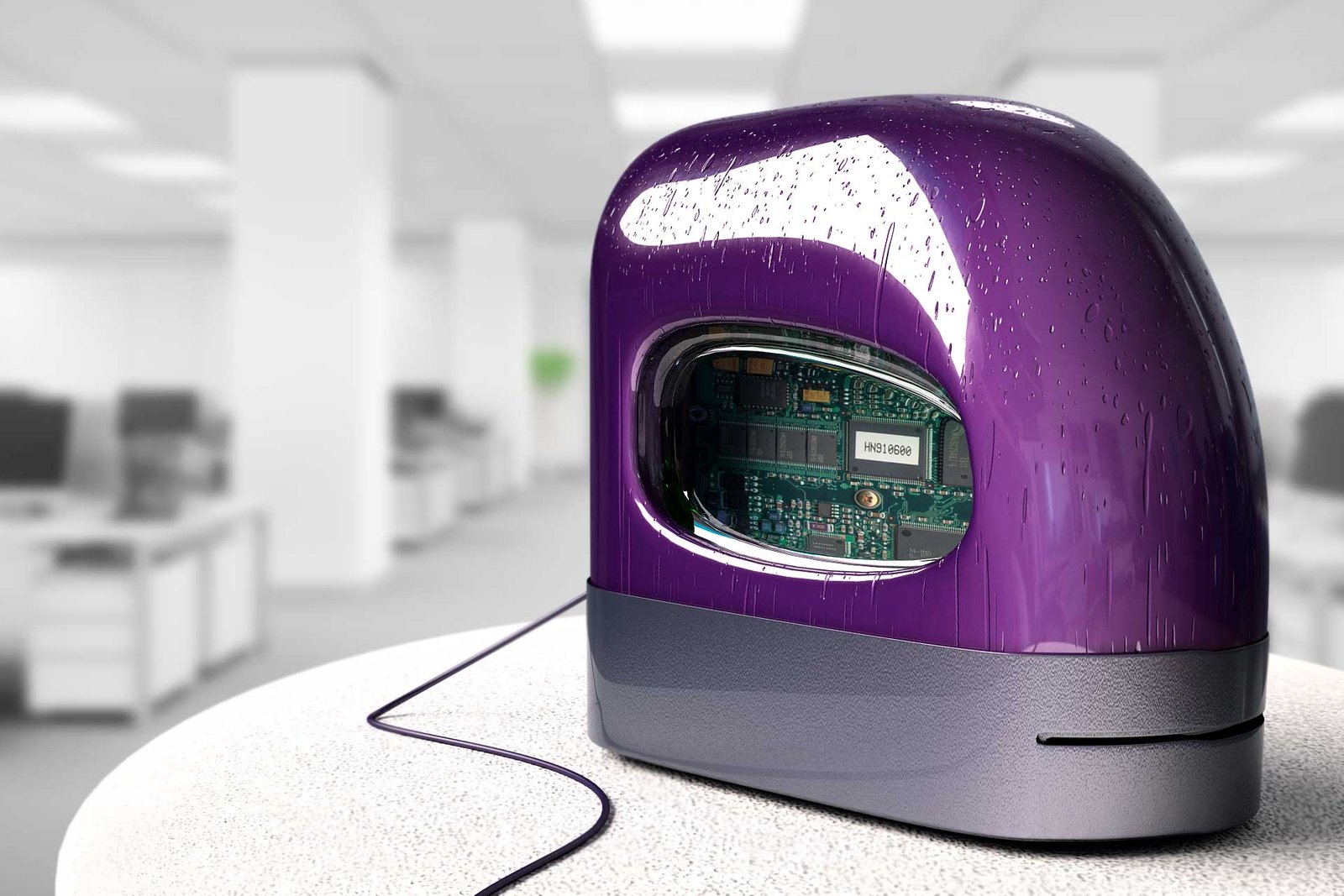
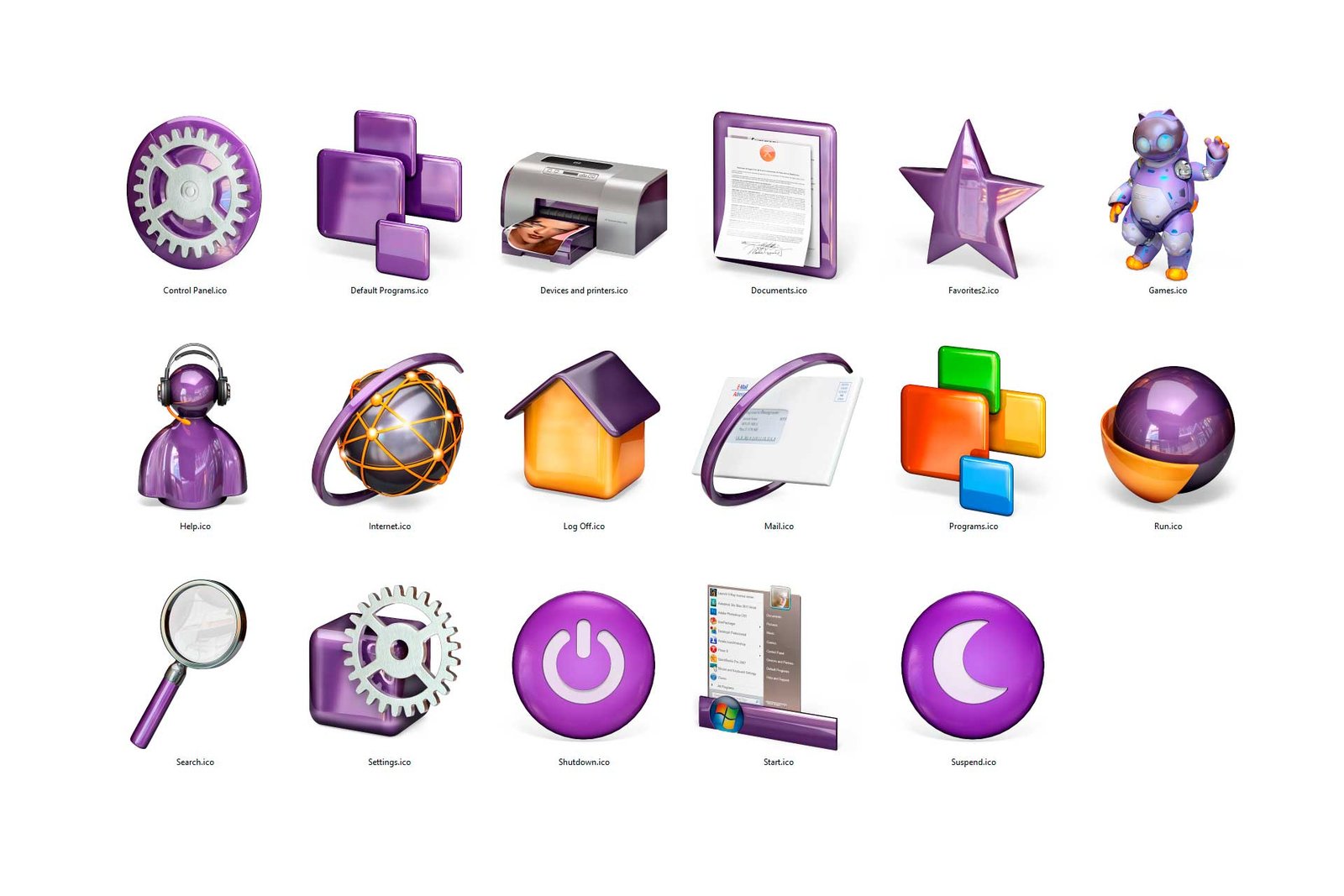
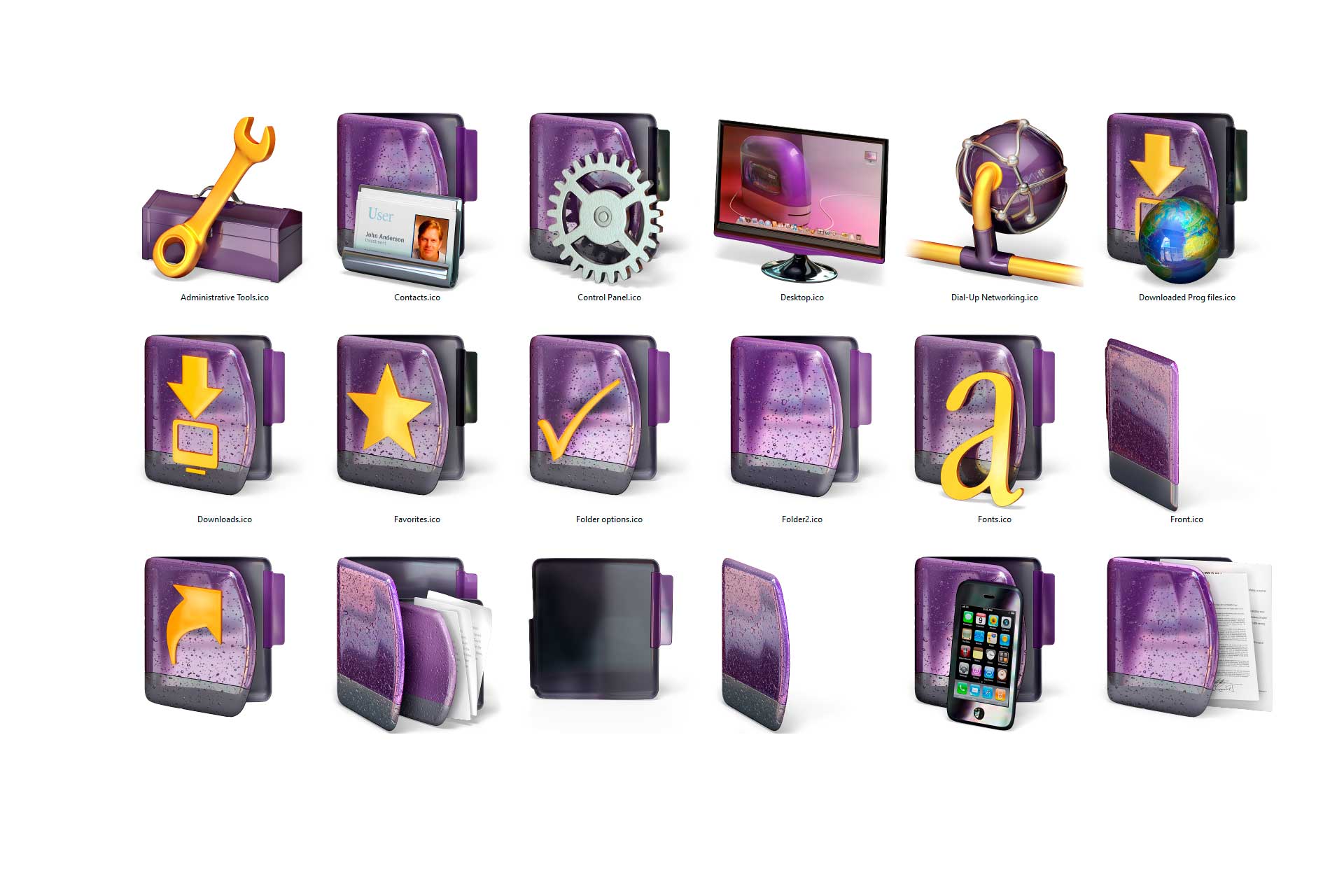
The Corinthia 3G Icon Theme is an amazing icon theme for IconPackager, with enhanced definition and a new “wet effect” on the texture — icons for Desktop, Start Menu, folders, devices, files, and more. Built for Windows 8, 7, or Vista running Stardock’s IconPackager 5.x, at a maximum icon size of 256×256 px.


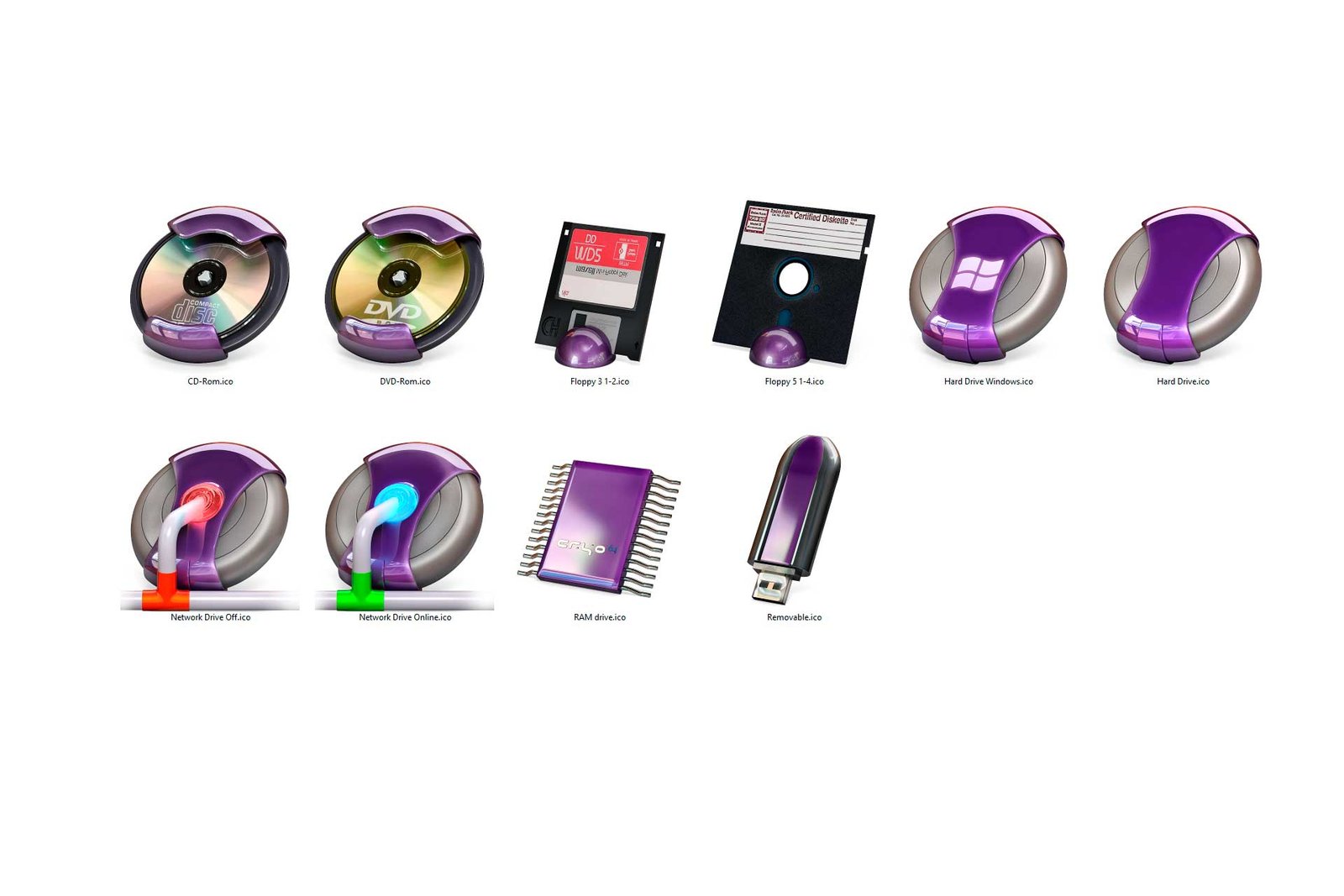
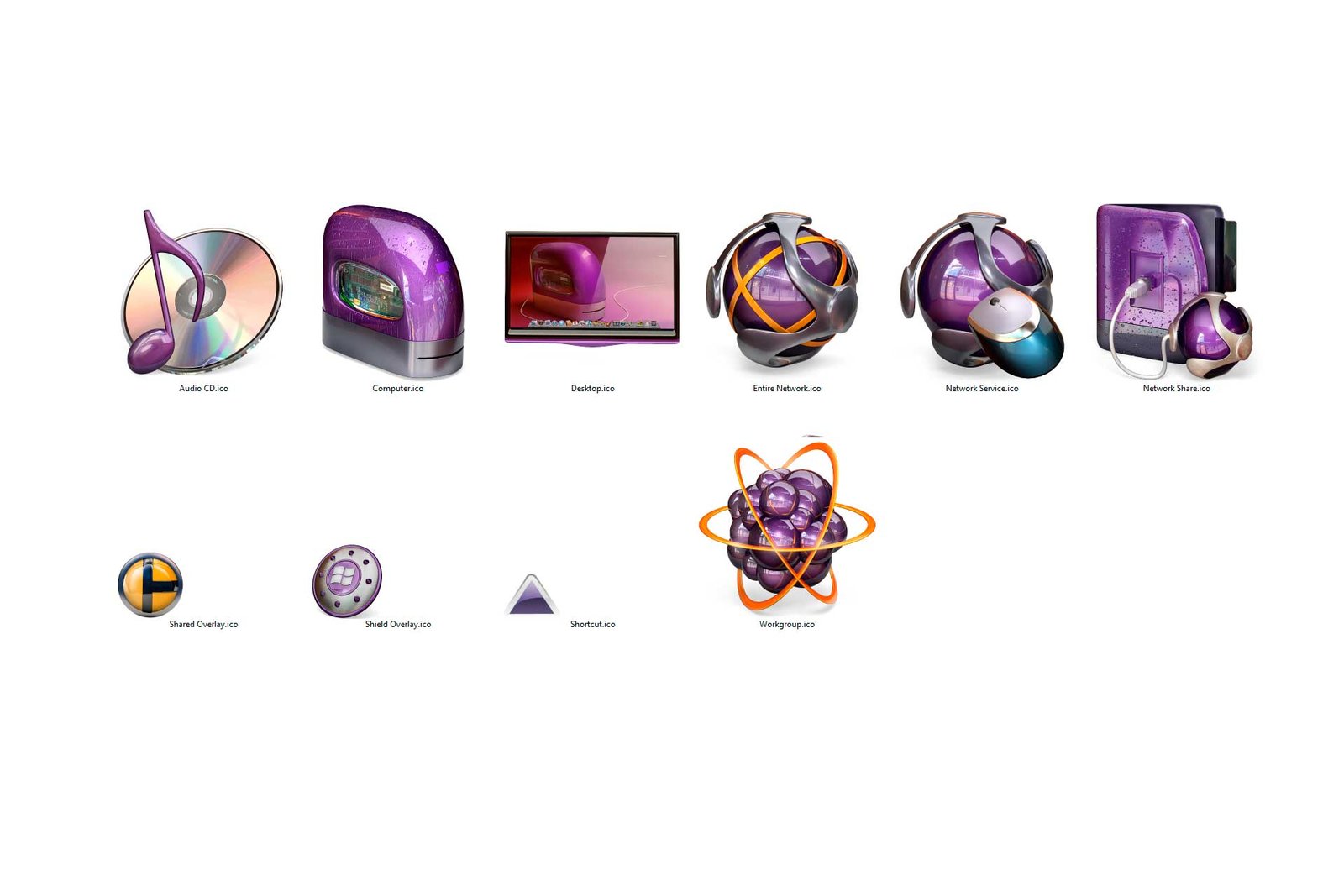


What’s Included
Corinthia 3G comes in three tiers, so you can pick the level of coverage that fits how you use your desktop:
- Basic version — Desktop Icons, Start Menu, Folders, Drives, Other icons, File type, and Quick Launch icons. The core Corinthia 3G look, everywhere you see icons day to day.
- Full Edition — Includes the Basic edition icons plus Control Panel Home and Control Panel Classic View icons, so even your system settings match the theme.
- Special Edition — Includes the Basic edition icons, Control Panel Home, Control Panel Classic View icons, plus 40 application icons — the most complete version of the theme, with the fewest icons left un-themed.
In addition, all versions include a fantastic matching wallpaper at no extra cost.
How to Install
- Purchase and download your chosen edition (Basic, Full, or Special) after checkout.
- Install IconPackager 5.x by Stardock if you don’t already have it.
- Open IconPackager, import the Corinthia 3G theme file, and apply it.
- Set the included wallpaper from the Corinthia 3G package to complete the look.
System Requirements
- Windows Vista, 7, or 8
- Stardock IconPackager 5.x (sold separately)
Why Cryo64
Cryo64 has been building desktop themes for the WinCustomize and Stardock community since 2004 — Corinthia 3G is rated 5 stars by customers (“these icons are fantastic, the detail is superb… puts other icons in the dark ages,” Craig Robinson), and trusted by desktop customization fans on WinCustomize and DeviantArt.
Part of a Complete Experience
- Corinthia Office Icons – Windows — more Office app icons in the same style
- Corinthia Special Folders 1 – PC — extra themed folder icons
- Corinthia Room — matching wallpaper on its own
- OhMyIcons — more icon themes and packs from the Cryo64 family
| Variants |
|---|
1 review for Corinthia 3G – Icon Theme Windows
-
these icons are fantastic, the detail is superb, you pay for what you get, and they are a price worth paying for, puts other icons in the dark ages.
(0) (0)

Only logged in customers who have purchased this product may leave a review.
By D. Arnaez, Arnaez Studios LLC — Miami, FL

these icons are fantastic, the detail is superb, you pay for what you get, and they are a price worth paying for, puts other icons in the dark ages.